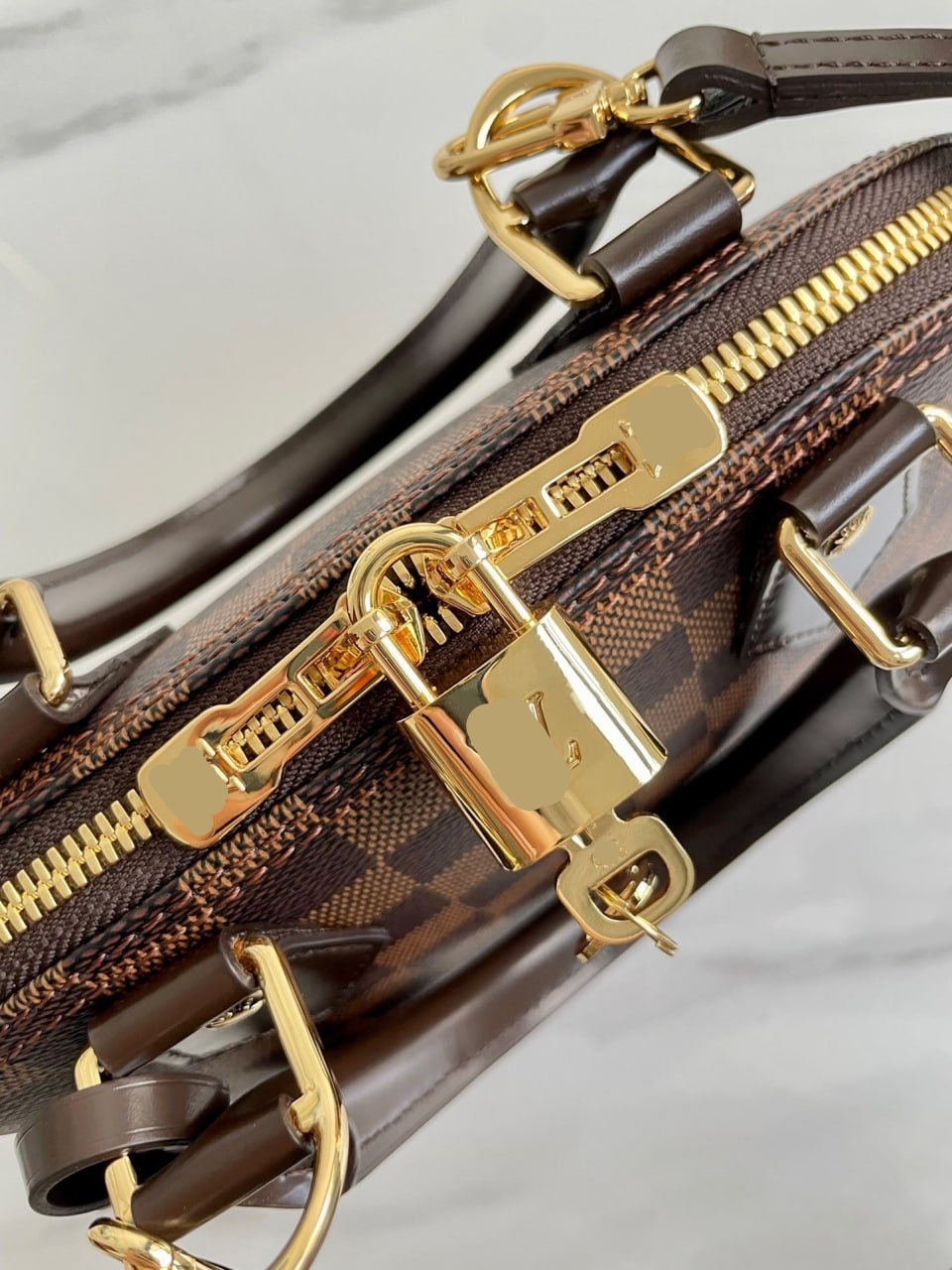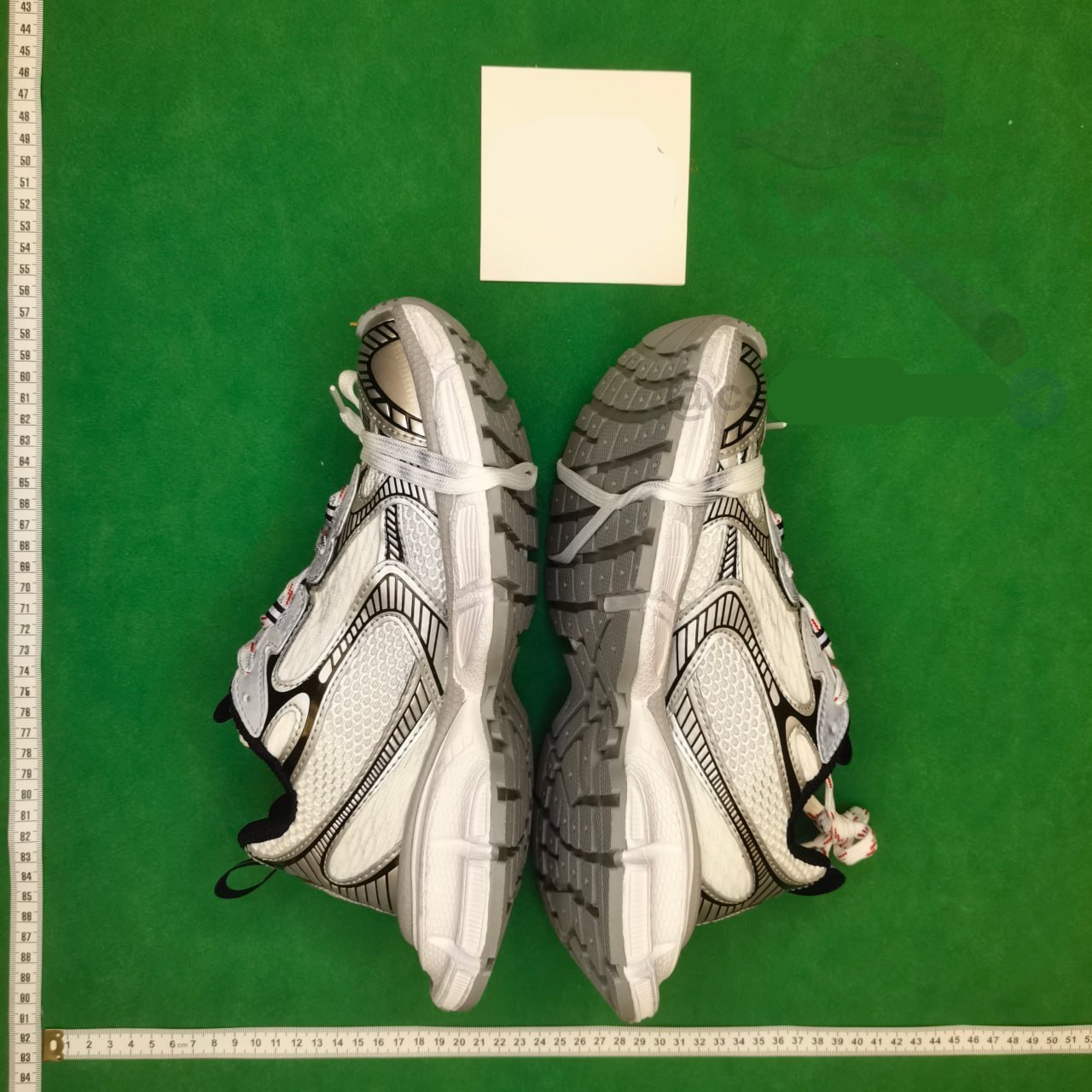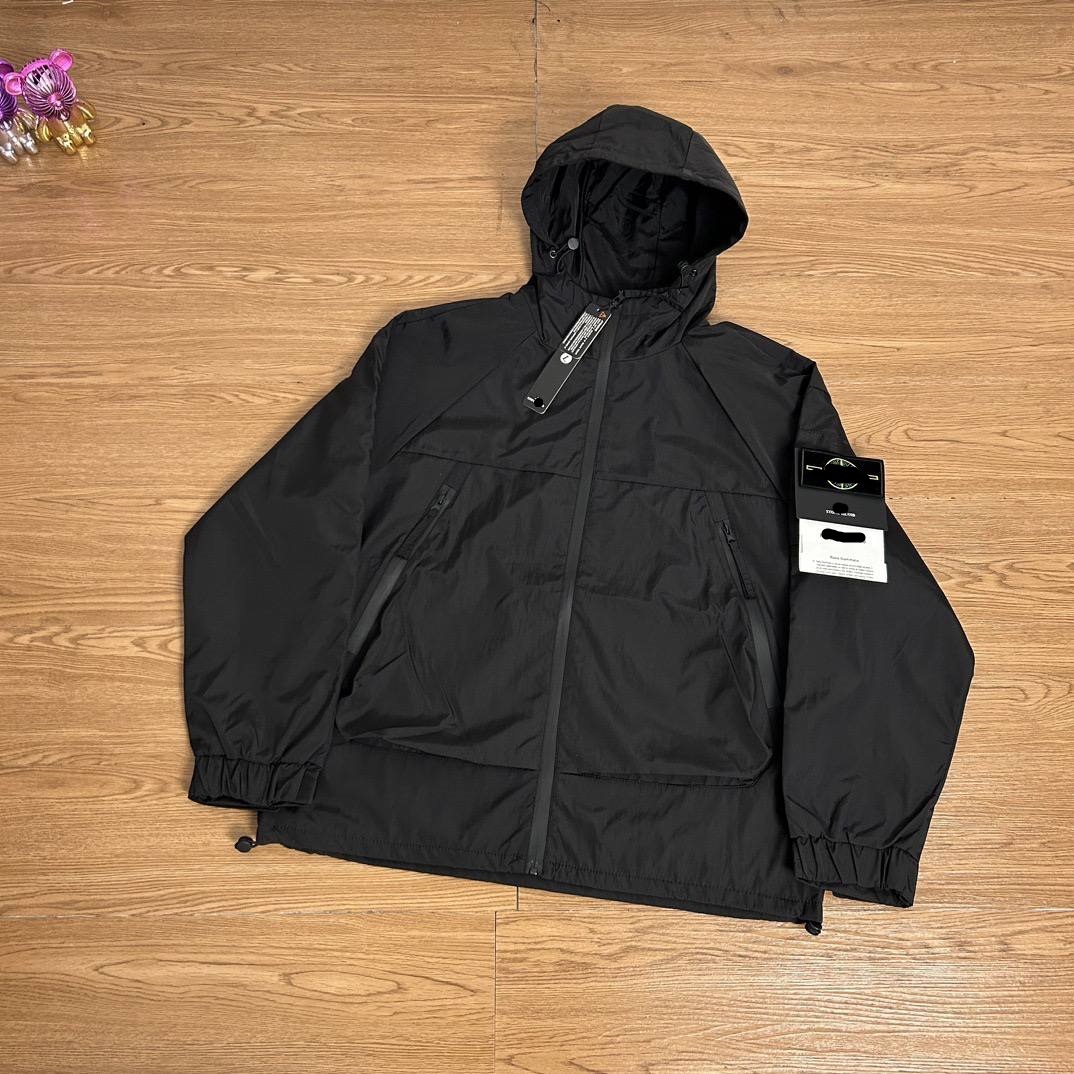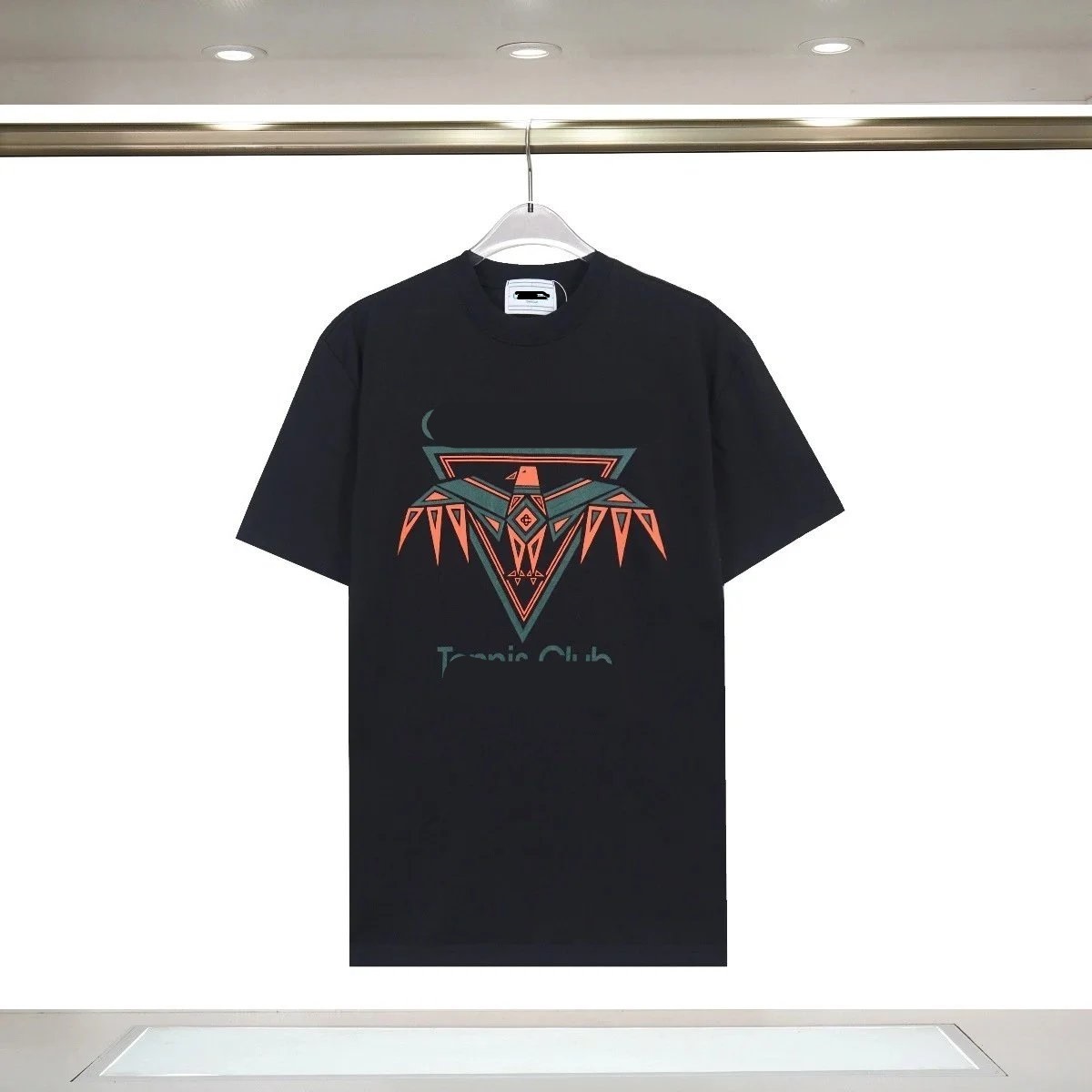
Start with function, not a broad label
Accessories can include bags, wallets, belts, hats, cases, jewelry and small practical items. Define the intended use, dimensions and any compatibility requirement before searching. A spreadsheet row called accessory is too vague to guide a purchase. The label should describe what the current destination offers and why it belongs in the shortlist.
Separate style preference from hard constraints. Color and finish may be flexible, while a laptop sleeve dimension or device model is not. Put non-negotiable requirements in the record so an editor does not keep a visually similar but unusable candidate. The final product page must supply evidence for each hard constraint or remain partial.
Keep the evidence fields separate while you work: source URL, final destination, visible product identity, exact option, displayed price, domestic freight and check time. A blank field is an open question, not permission to copy a value from a similar listing. This record makes a later recheck faster and prevents a spreadsheet snapshot from being mistaken for a current seller promise.
Verify dimensions and measurement method
Record length, width, height, strap range, opening size or other relevant dimensions with units. Determine whether values are internal, external or approximate. Seller diagrams can mix centimeters and millimeters or round differently. Keep the original image and do not convert without showing the source value.
For bags, compare the object that needs to fit with internal space rather than exterior style. For belts, hats and jewelry, note circumference and adjustment range. For cases, identify the exact device generation or connector layout. A one-centimeter difference can matter more than a large number of reviews when compatibility is the decision.
Use three result labels: matched, partial and mismatch. Matched means the destination and required option agree with the saved record. Partial means the product family is plausible but one decision field is missing. Mismatch means the page is dead, redirected to another item or no longer carries the intended choice. Only matched candidates should proceed without another question.
List included parts explicitly
Promotional photos may show pouches, straps, charms, inserts, tools or packaging that are sold separately. Build an included-parts list from the selected option and seller description. If the page offers several bundles, map each label to its contents and price. Do not use the fullest bundle image to represent a basic option.
Save a representative option thumbnail and any diagram that identifies components. This record becomes the warehouse checklist. If an accessory is essential but the seller does not state that it is included, ask before purchase. Marking it unknown is more accurate than letting the buyer discover the omission after the return window begins.
Do not turn price, sales activity, a familiar image or inclusion in an index into a quality claim. Those signals can help prioritize inspection, but they do not prove construction, authenticity, seller service or the condition of the unit that reaches the warehouse. The useful comparison is evidence quality and order readiness, not an unsupported best-product ranking.
Treat compatibility as a stop rule
Compatibility claims should name the relevant model, size, voltage, connector or other interface. A generic compatible label is insufficient when the buyer depends on an exact fit. Preserve the seller’s wording and compare it with the target. If two signals conflict, stop the order instead of selecting the nearest option.
Avoid inferring electronic or safety performance from appearance. If a category involves batteries, liquids, magnets or restricted materials, product discovery also needs a later route-eligibility check. The listing can identify the item, but it cannot guarantee international transport or destination compliance. Keep those decisions visibly separate.
Before payment, save the live page and the option text that the ordering flow accepts. If the source cannot be parsed and a manual order is needed, treat every typed field as buyer-supplied. Compare the resulting order summary against the saved record before money moves. A near match is still the wrong instruction when size, color, model or quantity differs.
Read material and finish claims carefully
Record the material name and finish only as the seller presents them. Photos cannot prove composition, durability or long-term color. Translated terms may be broad, so retain the source text and label ambiguity. For a bag, construction details such as closure, lining and strap attachment may be observable even when material performance is not.
Compare candidates by documentation and suitability for the stated use. A complete dimension diagram and clear bundle description reduce ordering risk. That does not establish which item is best made. The article should help the buyer choose a verifiable route while leaving quality judgments to the evidence available after arrival and use.
Write one explicit stop condition for every shortlist. Examples include a missing measurement, an unexplained redirect, a price attached to the wrong quantity tier, an unavailable color or a product identifier that cannot be reconciled. Stopping is a valid research result. It is cheaper than relying on warehouse photos to solve an uncertainty that existed before purchase.
Confirm option-linked price and freight
Select the exact size, color, bundle and quantity before recording price. Small accessories are often used as the lowest-priced option on a page whose main image shows a larger product. Check China domestic freight separately and label promotions as conditional. The active order summary must match the intended unit.
Do not assume that a small item produces trivial international shipping. Consolidation, protective packaging, batteries or dimensional rules can affect route choice. Keep the product record focused on seller and first-payment facts. Later, evaluate the finished parcel with current shipping lines instead of adding a generic estimate to the find.
At warehouse arrival, use the saved listing as the reference for QC rather than relying on memory. First confirm identity and option, then inspect condition and the details that matter for use. Request an additional photo or measurement only when it can change the keep-or-return decision, and review the active account promptly because seller eligibility and return timing still apply.
Build a detail-focused QC checklist
At warehouse arrival, confirm product type, selected size or model, color, bundle contents, visible condition and critical dimensions. For bags, inspect closures and included straps where visible. For fitted accessories, request one decisive measurement if standard images cannot confirm it. A targeted checklist supports a fast keep-or-return decision and keeps attention on evidence that can still change the outcome.
Photographs cannot prove every internal or performance feature, so state their limits. If the item is visibly incompatible or a listed component is absent, document the expected field and received result. Review the active return controls promptly and keep the original listing, order summary and QC evidence together for a traceable request.
Maintain the page as a dated research route. Reopen high-use links first, follow redirects, compare identity and option structure, and update a checked date only after a real review. If a link changes, label or remove it instead of silently replacing the destination while preserving the old image or product ID. Transparent maintenance is more valuable than a larger but ambiguous list.