Give the spreadsheet one job: reduce the search space
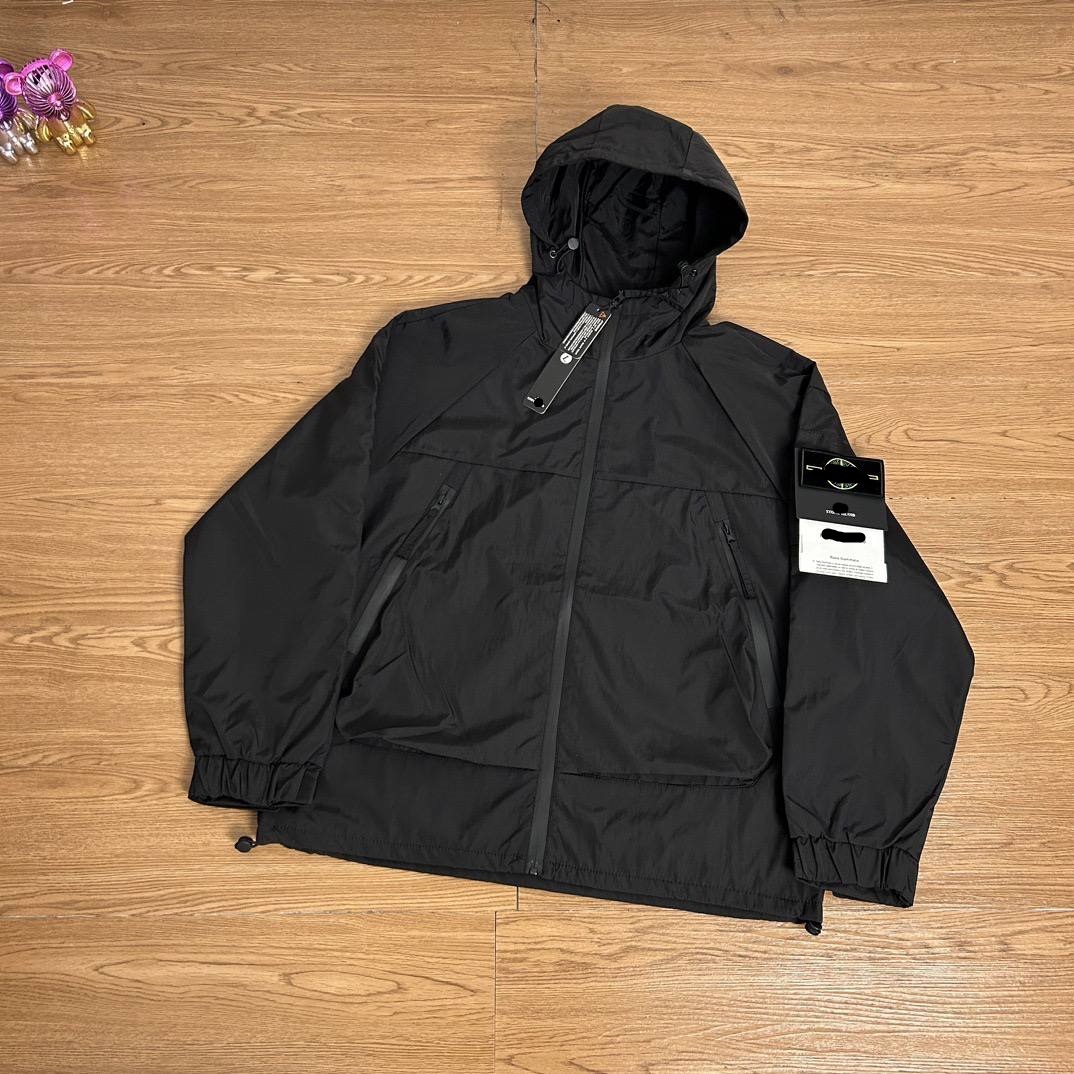
A Joyagoo spreadsheet is most useful before a buyer has chosen an exact product. An independent index can group links by category, preserve a destination URL and make a large catalogue easier to scan. That is a navigation benefit, not a product verdict. It helps a buyer move from a vague request such as a dark everyday jacket to a small set of candidate pages with comparable item types.
The index should not claim that an included product is best, authentic, safe, in stock or suitable for every buyer. Those conclusions require evidence the index does not control. Seller pages change, batches differ and a thumbnail can survive after an option disappears. Treat every row as a route to inspect. The correct outcome of spreadsheet research is not an instant purchase; it is a shorter, better-documented verification queue.
Separate index facts from destination facts
An index can prove what it recorded: the stored title, displayed thumbnail, destination address, category and the date the row was checked. It may also preserve a product identifier or a short editorial note. These facts describe the index record. They do not prove that the seller currently offers the same price, color, size, quantity, material description or domestic-freight field.
The destination page is the current source for commercial details. Open it and compare the product identity before copying anything into a shortlist. If the page redirects, shows a different item, replaces the thumbnail or removes the intended option, the row is stale for that purpose. Do not repair uncertainty by guessing from the old title. Mark the mismatch and choose another candidate or report the stale row.
Run a five-point identity match
Check five signals together: product type, title meaning, first image, stable identifier and destination host or marketplace. One signal is not enough. A generic title may fit several products, an image can be reused across variations and a redirect can preserve part of an old URL. The destination must still describe the same product family that the spreadsheet row invites the buyer to inspect.
Classify the result as match, partial match or mismatch. Match means the main signals agree and the intended variant remains visible. Partial match means the product family agrees but the exact option or current identifier is uncertain. Mismatch means the destination is a different product, an unrelated landing page or a dead result. Only a match should proceed normally; a partial match needs a written question, and a mismatch should leave the shortlist.
Treat thumbnail, price and popularity as clues
A thumbnail is a visual locator, not a warehouse inspection or authenticity certificate. It may represent one option among many. A displayed price is a dated observation and may refer to the lowest variant, a quantity tier or a promotion. A popularity label or public comment count can show activity but cannot establish construction quality, seller reliability or the condition of the unit that will reach a warehouse.
Use these clues to decide where to look next. If a price seems unusually low, inspect option mapping and quantity rules. If several rows reuse an image, confirm the underlying links independently. If an item has extensive public activity, read the exact listing details rather than converting activity into a ranking. The spreadsheet should make uncertainty visible instead of hiding it behind words such as verified or recommended.
Build a buyer-ready shortlist record
For each surviving candidate, record the index URL, final destination URL, visible product ID, exact option text, selected color, size, quantity, current displayed price, China domestic-freight field and the date checked. Add the reason it remains on the shortlist and one disqualifying condition. For clothing, preserve the seller’s measurements; for accessories, record dimensions and included parts; for electronics, record model, plug, voltage and compatibility questions.
Use four evidence labels: confirmed on destination, shown only in index, buyer assumption and open question. This prevents a spreadsheet snapshot from silently becoming a live fact. It also lets two candidates be compared on the same fields. If one listing clearly states the required option while another relies on an assumption, the first has better decision evidence even if neither product can be ranked for quality before purchase.
Know where the official workflow begins
Joyagoo’s current public shopping guidance describes using a source product link or search to reach a product and select details such as color, size and quantity. That workflow begins after discovery. The independent spreadsheet does not place the seller order, freeze the listing or create warehouse evidence. The buyer must transfer the exact destination and option information into the active ordering flow and review what the live page accepts.
Before payment, compare the order summary with the shortlist record character by character where it matters. Confirm the destination, item identity, variant, quantity and any seller note. If the live flow cannot retrieve the listing, do not substitute a similar item without a new verification pass. For sources that require a manual or DIY process, follow only the current official instructions and label every manually entered field as buyer-supplied.
Use a stop rule before handing off the order
Stop if the destination has changed product, the intended option is absent, the item identifier cannot be reconciled, the displayed commercial fields are ambiguous or a compatibility requirement remains unanswered. Pause is a valid result. A short delay before payment is cheaper than discovering at warehouse QC that the wrong version was selected and then relying on seller return eligibility.
Proceed when identity is matched, the exact option is visible, required measurements or specifications are recorded and open questions are either answered or consciously accepted. Save the final record with its check date. The spreadsheet has then done its job: it reduced a broad search to a defensible candidate without claiming quality, authenticity, seller performance, shipping eligibility or a guaranteed outcome it cannot prove.
Compare three candidates without creating a ranking
Imagine three jacket rows. Candidate A reaches the same product family but the intended dark-grey option is gone. Candidate B keeps the option yet the size chart lacks the one measurement the buyer needs. Candidate C has a matching product ID, visible option, complete measurements and a clear quantity of one. The spreadsheet did not prove C is better made. It proved that C currently has the strongest evidence for an accurate order instruction.
Record A as mismatch for the intended option, B as partial with a measurement question, and C as matched. If B later receives a clear seller answer, its evidence status can change. This method avoids unsupported ‘best product’ language while still producing a practical shortlist. The comparison is about decision readiness, not popularity, value for money, authenticity or expected warehouse quality.
Maintain the index without inventing freshness
Every useful index needs a recheck rule. Prioritize rows that receive clicks, appear on prominent category pages or have previously redirected. Reopen the final destination, compare identity and option structure, update the checked date only after a real review, and record whether the row stayed matched. A successful network response alone is insufficient if the page now describes something else.
When a row becomes stale, remove it from active discovery or label it accurately until it can be repaired. Do not silently swap in a similar seller page while keeping the old product ID, image or check date. A transparent correction protects buyers and prevents false confidence. The strongest independent spreadsheet is not the one with the most rows; it is the one whose limits and maintenance state remain visible.