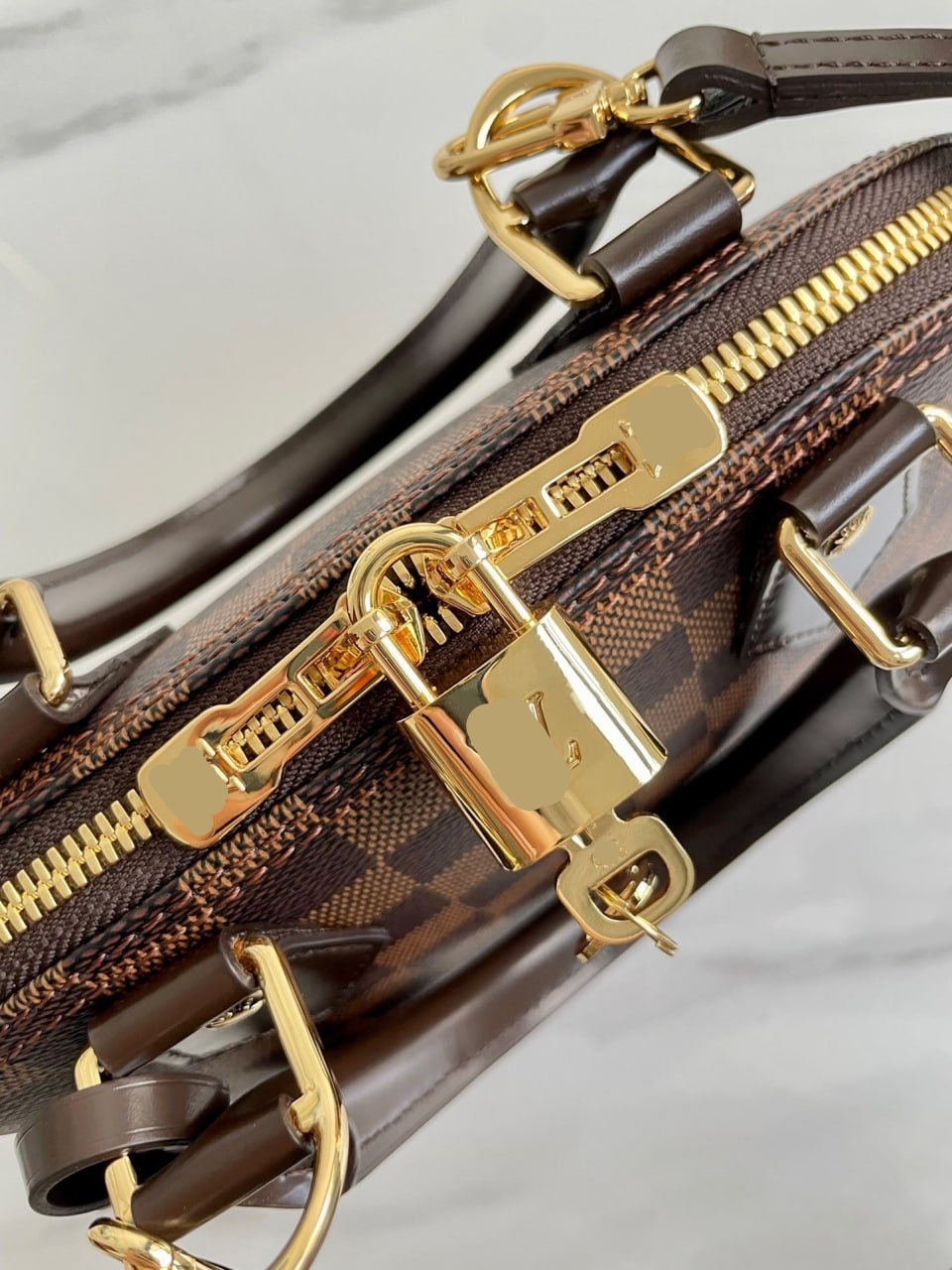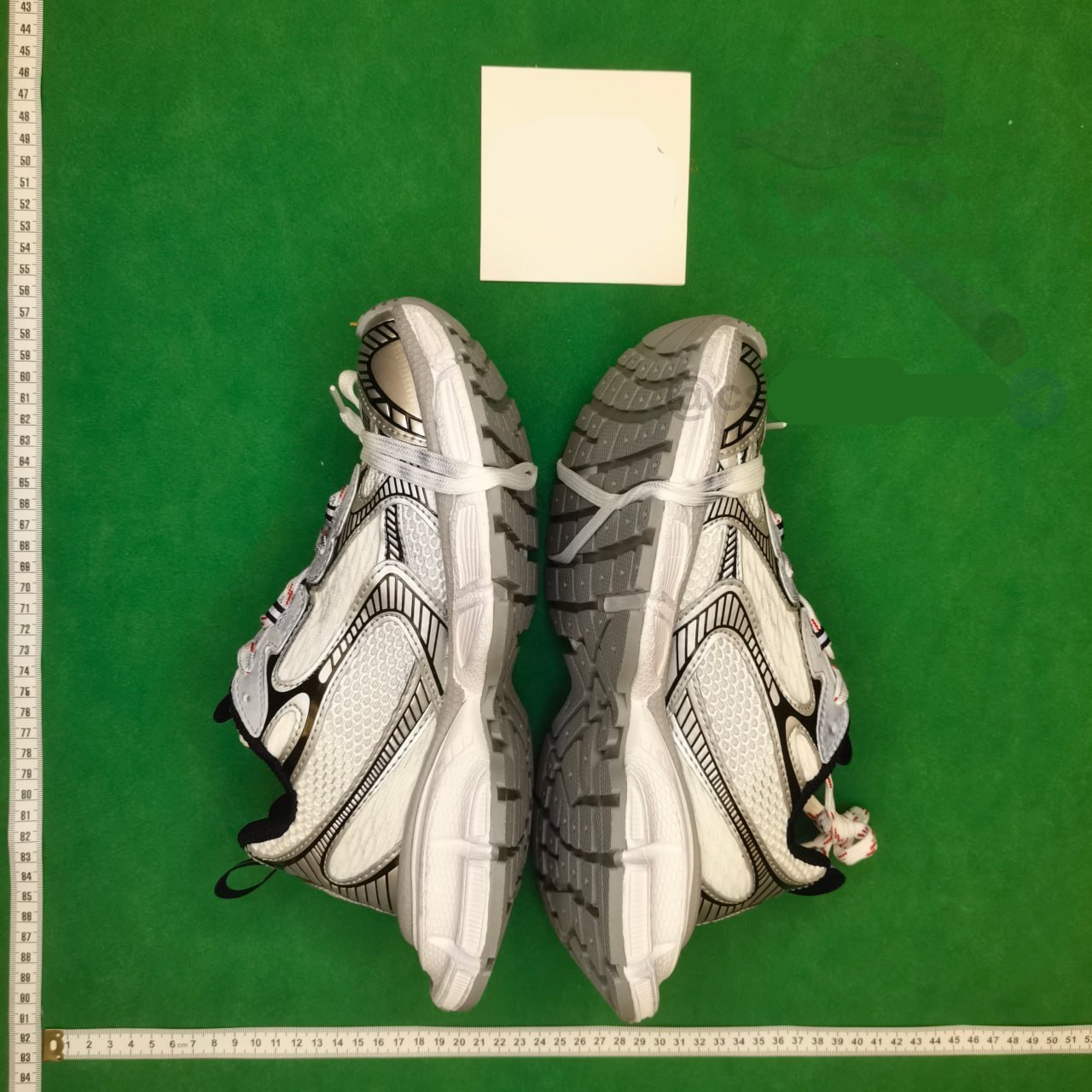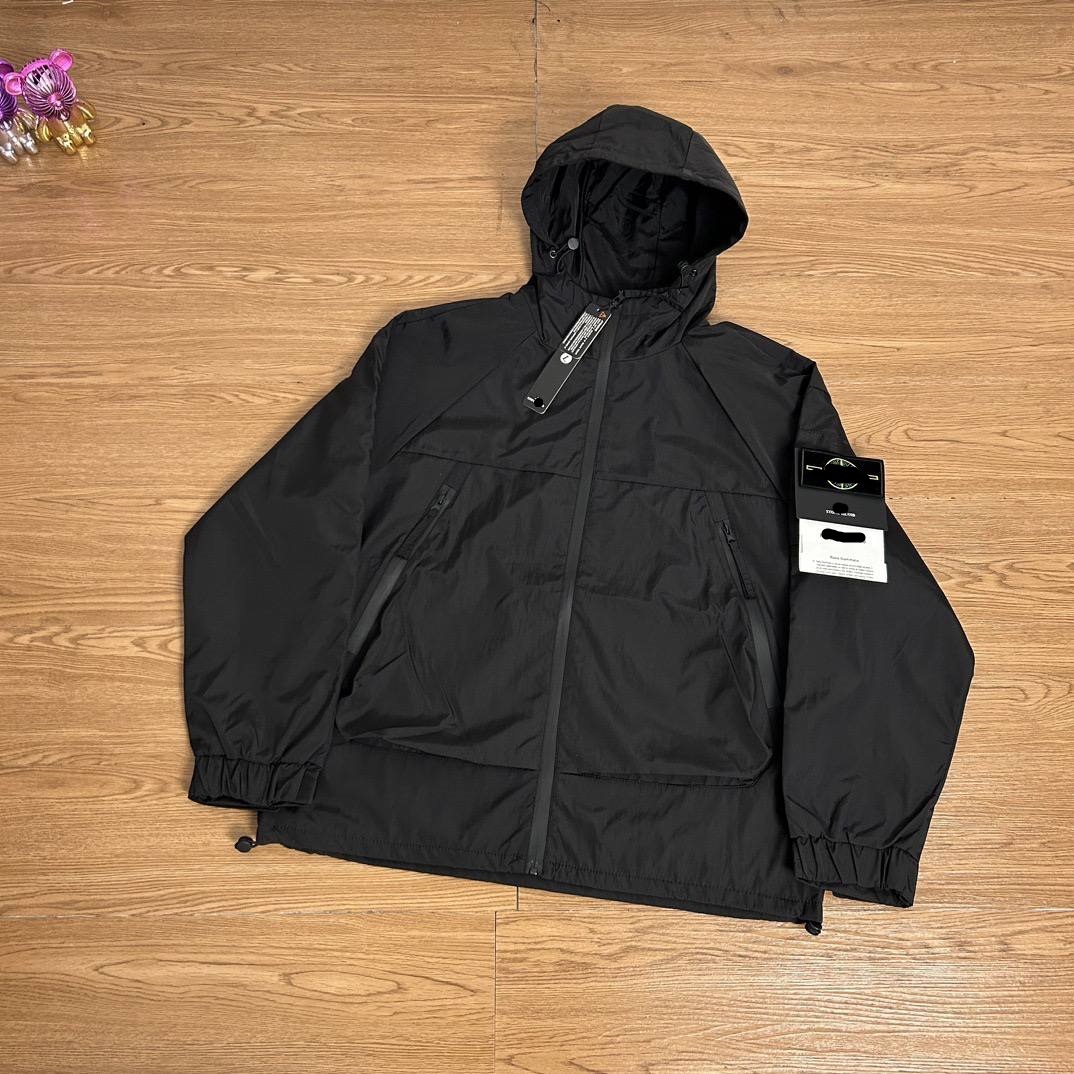
Capture a stable Weidian destination
Save the product detail link together with the visible item ID and seller or shop identity. Shared mobile links may include wrappers, invitation parameters or redirects, so record the final destination after opening it. A shop homepage, album view or social post is not an adequate product record because it may not preserve the item or option a buyer intends to order.
Test the link outside the original sharing context where possible. If it opens only inside an app or requires authentication, document that condition and use Joyagoo’s parsed view as an additional signal, not automatic proof. A stable record contains enough information to recognize the same product later even if the share URL changes.
Keep the evidence fields separate while you work: source URL, final destination, visible product identity, exact option, displayed price, domestic freight and check time. A blank field is an open question, not permission to copy a value from a similar listing. This record makes a later recheck faster and prevents a spreadsheet snapshot from being mistaken for a current seller promise.
Match product identity across views
Compare the Weidian title meaning, first image, item ID and seller with what the Joyagoo interface imports. Translated wording may differ, so prioritize identity signals rather than expecting exact text. If the parsed destination points to the right shop but a different product, classify it as a mismatch. Do not rescue it by selecting something visually similar from the seller’s catalogue.
Some sellers reuse photography or relist an item under a new ID. That can be a legitimate new candidate, but it is not the same evidence record. Create a new row, inspect its options and date it independently. Preserving this distinction makes later price changes, seller substitutions and QC outcomes traceable instead of blending several listings into one history.
Use three result labels: matched, partial and mismatch. Matched means the destination and required option agree with the saved record. Partial means the product family is plausible but one decision field is missing. Mismatch means the page is dead, redirected to another item or no longer carries the intended choice. Only matched candidates should proceed without another question.
Map option labels before ordering
Write each decision field separately: model, color, size, edition, package contents and quantity. Weidian option grids can compress several attributes into one label, and automatic translation may hide important differences. Keep the original seller text beside your interpretation. If a photo selector and text selector disagree, the ambiguity must be resolved before the order is sent.
Do not rely on option position. Sellers can reorder selections or remove stock, causing the second thumbnail today to represent something different tomorrow. Match label, image and any price change together. When the intended option disappears, record it as unavailable rather than choosing the closest active selection. That protects the buyer’s instruction and the spreadsheet’s credibility.
Do not turn price, sales activity, a familiar image or inclusion in an index into a quality claim. Those signals can help prioritize inspection, but they do not prove construction, authenticity, seller service or the condition of the unit that reaches the warehouse. The useful comparison is evidence quality and order readiness, not an unsupported best-product ranking.
Evaluate seller signals conservatively
Sales counts, comments and shop activity can help identify whether a listing is active, but they cannot prove the quality, authenticity or condition of the unit that will be purchased. Read specific evidence when it is available and separate it from promotional language. A seller with active listings can still ship a different option, while a low-activity listing may simply be new.
Use seller signals to decide the depth of verification, not to write an unsupported rating. Clear option names, consistent detail images and visible measurements reduce ordering ambiguity. Missing fields increase the number of questions. A well-documented candidate is easier to order accurately even before anyone can know how its construction will look at warehouse inspection.
Before payment, save the live page and the option text that the ordering flow accepts. If the source cannot be parsed and a manual order is needed, treat every typed field as buyer-supplied. Compare the resulting order summary against the saved record before money moves. A near match is still the wrong instruction when size, color, model or quantity differs.
Confirm price and China-side delivery
Select the intended configuration before recording price. A headline can represent the cheapest component or a different edition. Note quantity and any conditional discount, then check domestic freight. If the platform calculates delivery only after an address is available, label the number as pending until the Joyagoo checkout shows the warehouse-bound amount.
Keep the first payment and international shipping conceptually separate. The listing can support product and domestic-delivery research, but it cannot establish later parcel cost or route eligibility. Avoid adding an estimated international amount to the product row as if it were current. Parcel weight, volume, destination and selected line belong to a later decision.
Write one explicit stop condition for every shortlist. Examples include a missing measurement, an unexplained redirect, a price attached to the wrong quantity tier, an unavailable color or a product identifier that cannot be reconciled. Stopping is a valid research result. It is cheaper than relying on warehouse photos to solve an uncertainty that existed before purchase.
Create a precise purchase handoff
The final handoff should contain source URL, final URL, seller, item ID, exact option text, quantity, visible price, domestic freight status and any essential note. Compare that packet with the order summary produced by the agent interface. If the interface shows a different image or collapses required options, stop and request clarification.
For a manual order, make the buyer-supplied nature of each field explicit. A pasted image does not replace an option label, and a translated note does not replace the seller’s exact SKU. Save the accepted summary and the time of purchase. These details let a later reviewer understand what the seller was actually asked to send.
At warehouse arrival, use the saved listing as the reference for QC rather than relying on memory. First confirm identity and option, then inspect condition and the details that matter for use. Request an additional photo or measurement only when it can change the keep-or-return decision, and review the active account promptly because seller eligibility and return timing still apply.
Use QC to test fulfillment, not assumptions
At warehouse arrival, compare the delivered item with the saved Weidian image, selected option and included-parts record. Then inspect visible condition and requested details. If the option was never clear before payment, QC may expose the problem but cannot retroactively prove what an ambiguous instruction meant. That is why the purchase handoff matters.
When something differs, describe the observable mismatch and attach the smallest relevant evidence. State the selected label, expected feature and visible result. This is more actionable than saying the item looks wrong. Review seller eligibility and the active return controls promptly, because the practical remedy depends on timing and current conditions as well as the photos.
Maintain the page as a dated research route. Reopen high-use links first, follow redirects, compare identity and option structure, and update a checked date only after a real review. If a link changes, label or remove it instead of silently replacing the destination while preserving the old image or product ID. Transparent maintenance is more valuable than a larger but ambiguous list.