Why an option check needs its own gate
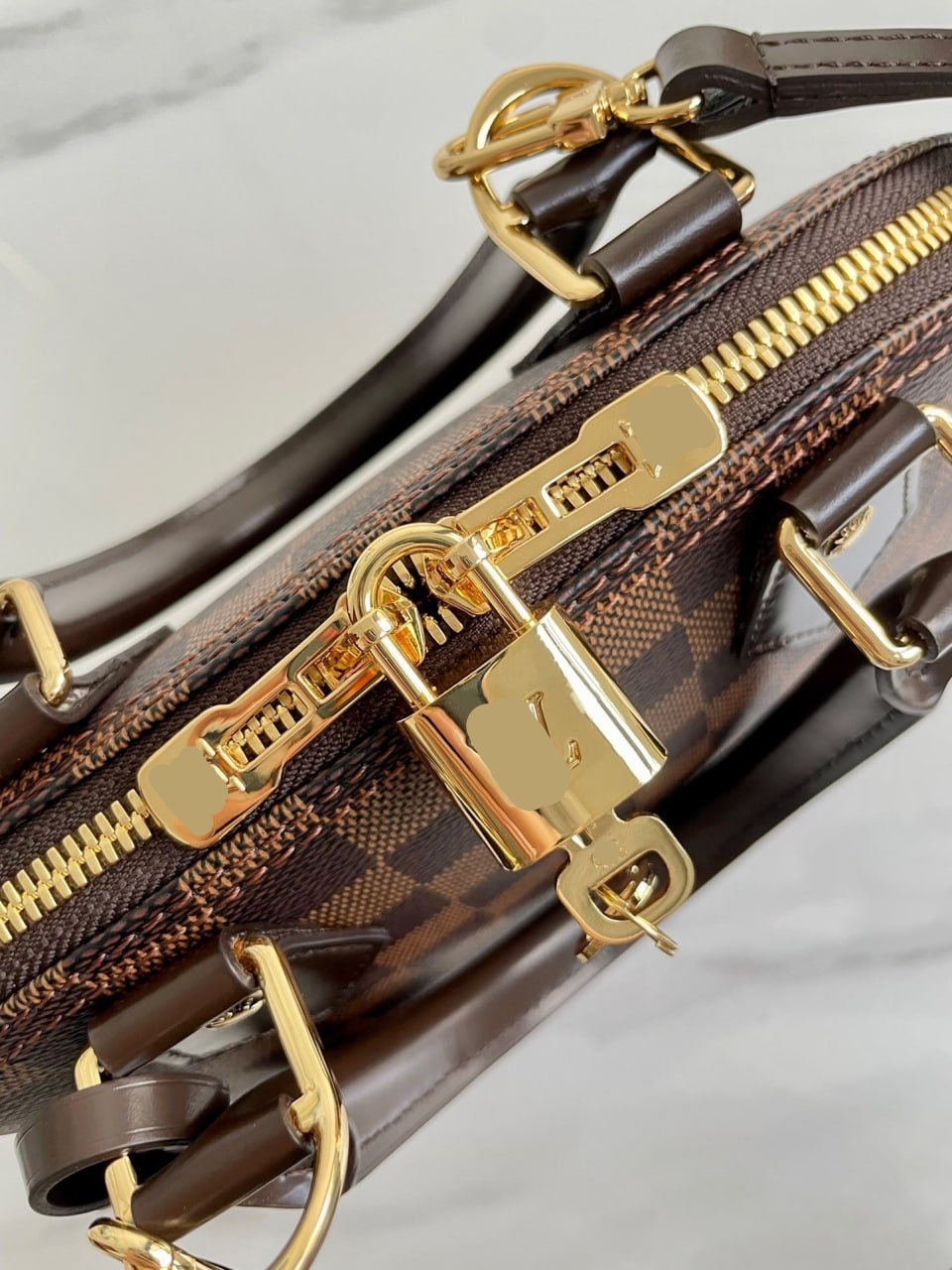
A product link can reach the correct listing and still produce the wrong order. The page may contain several colors, sizes, bundles, materials or model years under one product identity. A spreadsheet thumbnail normally represents one visible example, while the default option on the destination page may be another. The identity check answers ‘is this the right listing?’ The option check answers the narrower transaction question: ‘does the order instruction identify the exact unit I intend to buy?’ Both must pass before payment.
Joyagoo’s current Shopping Guidance explicitly places color, size and quantity selection before an item is added or paid for. That ordering matters. These are not cosmetic notes for the warehouse to interpret later; they define what the purchasing agent is asked to buy from the seller. A disciplined record therefore preserves the seller’s exact option language, the visible image associated with that choice, the quantity and any remaining ambiguity. It does not translate a guess into a confident instruction.
Freeze the live listing before interpreting it
Open the source listing from the final destination link and record the check date. Save the listing title, product identifier, seller context and a screenshot showing the complete option area. If the page redirects, loads a different product or hides options behind a login that you cannot evaluate, stop. A saved spreadsheet row is dated discovery evidence; it cannot establish which options exist today. The current source page is the controlling evidence until the final Joyagoo order summary is created.
Do not begin by choosing the option that looks closest to the spreadsheet image. First inventory every selector the seller exposes: color, size, style, version, pack count, material, model, left or right orientation, and any customization field. A selector may combine two facts in one label, such as ‘black / upgraded version’ or ‘blue / set of two.’ Copy the whole visible label. Shortening it can erase the part that distinguishes one sellable unit from another.
Separate color from image appearance
Copy the seller’s color label exactly, then describe what the selected image visibly shows in a separate field. Lighting, screen settings and seller photography can make black appear charcoal or cream appear white. The written label is the purchase instruction; the image is supporting evidence for the buyer’s interpretation. If the label and image appear inconsistent, record the contradiction and ask for clarification rather than replacing the seller’s wording with your own preferred color name.
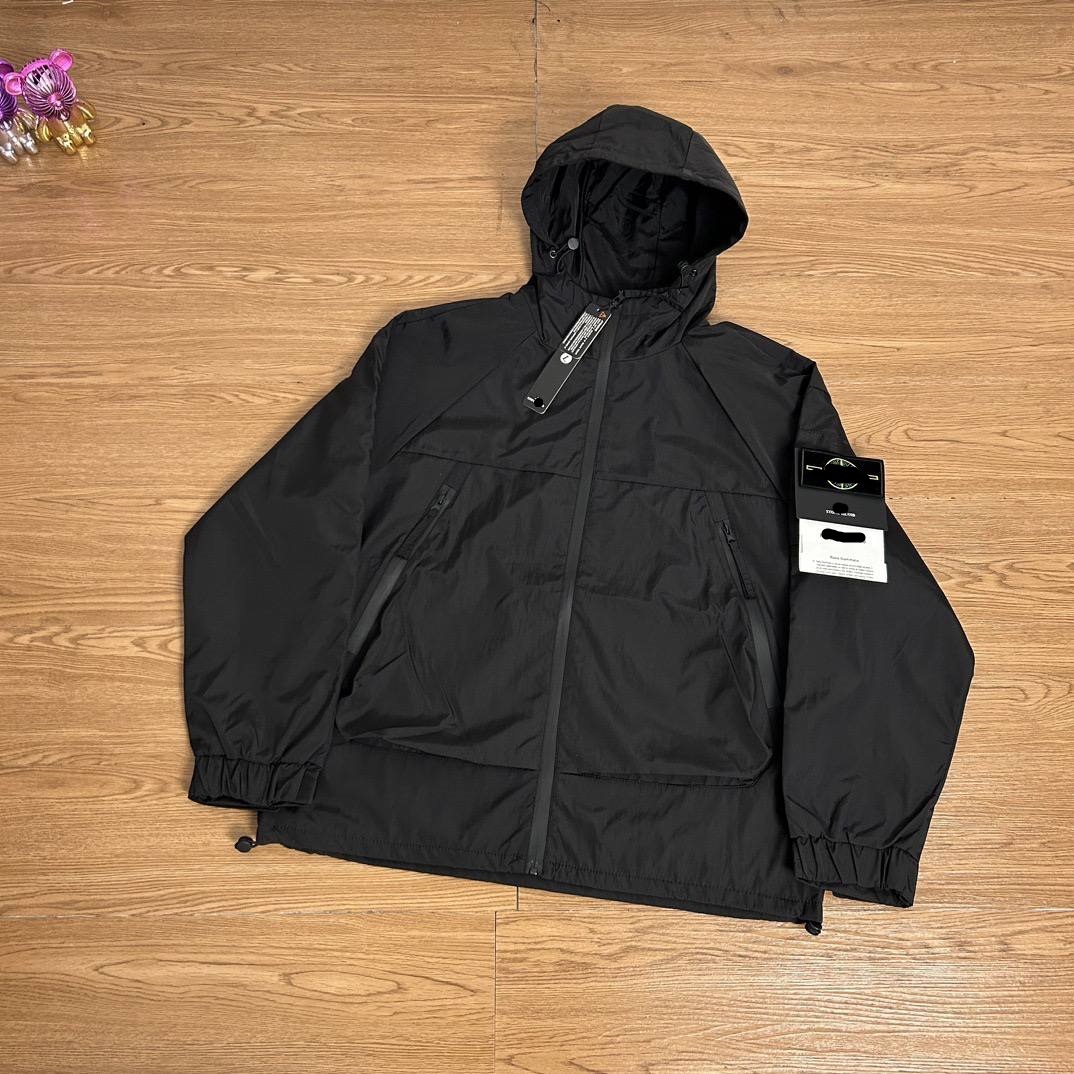
Watch for image changes after selecting a color. Some listings update the gallery to the intended option; others keep a generic promotional image. Record ‘option-linked image’ only when the page actually changes in response to the selection. Never call a color verified simply because one thumbnail resembles it. A useful order record might say: seller label ‘dark grey,’ selected thumbnail shows a charcoal zip hoodie, image response observed on September 6. That statement is reproducible and makes no promise about exact real-world shade.
Treat size as a label plus evidence
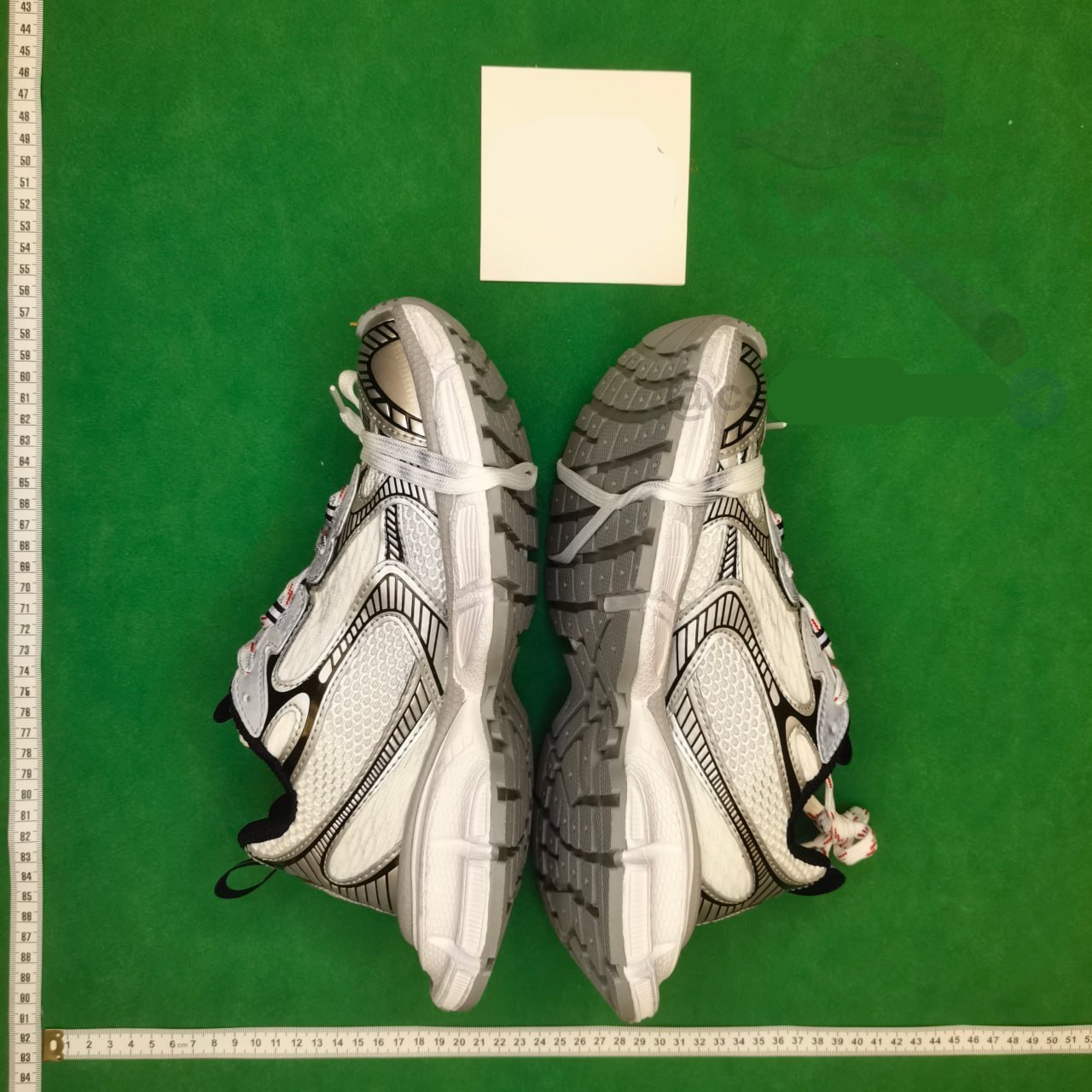
A size label is not a universal measurement. Save the exact selected label—such as 42, XL or 170/92A—and separately save the size-chart row or measurements used to choose it. Note the units and measurement method when shown. If the listing offers several charts for different versions, connect the intended option to the correct chart. Do not silently convert a seller size into a familiar regional size or promise fit from a letter label alone.
Build a small size record with five fields: option label, relevant body or garment measurements, units, chart date and unresolved question. For footwear, distinguish seller size, foot-length guidance and insole measurement; they are not interchangeable. For clothing, identify whether the chart describes the garment or the wearer. When a decisive measurement is missing, the result is ‘hold for answer,’ not ‘choose the usual size.’ The later warehouse QC stage can check a received item, but it should not be used to excuse an avoidable pre-payment guess.
Make quantity unambiguous
Quantity has two layers: the checkout quantity and the number of pieces contained in one selected option. A listing can price one pair, one piece, a two-pack or a component rather than the pictured set. Read the title, option label, unit description and quantity control together. Record ‘1 selected unit = 2 pieces’ only when the live listing clearly supports it. A gallery showing several objects is not proof that all are included.
For wholesale or tiered listings, check whether a minimum quantity applies and whether the displayed price changes with the count. Do not assume the lowest visible figure buys one complete retail unit. Your working record should show intended units, pieces per unit, total expected pieces and the evidence behind that interpretation. If any of those fields conflict, stop before transfer. A precise quantity instruction prevents a correct product and color from becoming an incorrect order simply because the seller’s unit was misunderstood.
Resolve variant labels without inventing meaning
Variant labels often carry the hardest distinctions: standard versus upgraded, old versus new version, device model, plug type, fabric weight, set composition or personalized text. Preserve the original visible label before translating it. Then write a plain-language interpretation and mark it as seller-stated, visually observed or still uncertain. Similar labels are not interchangeable merely because their thumbnails look alike or their prices are close.
Use a variant matrix when more than one selector interacts. Put each sellable combination on one row and record color, size, version, quantity, option image and displayed product-stage price. Eliminate rows that do not meet the buyer’s must-have conditions. This method narrows a complex listing without ranking quality or seller reliability. If selecting one field resets another, repeat the whole combination and take a fresh snapshot; otherwise the saved instruction may combine options the page never allowed together.
Create a decision-ready handoff record
Before using the link in Joyagoo, write one compact instruction block: source URL, product identifier, exact color label, exact size label, exact variant label, quantity, included-piece interpretation and check date. Attach the listing screenshot and relevant size evidence. Add a short ‘do not substitute’ note only when substitution would materially change the purchase. Avoid long informal messages that mix preferences, assumptions and required fields, because the operative instruction becomes difficult to identify.
Classify each field as confirmed on the live listing, buyer preference, seller statement or unresolved. Proceed only when every required selector is confirmed and any uncertainty has been consciously accepted. Pause when the intended option is absent, two labels remain ambiguous, the quantity unit is unclear or a decisive compatibility field is missing. Cancel the candidate when the live combination contradicts a non-negotiable requirement. These outcomes keep a shortlist useful without pretending that every link must end in a purchase.
Recheck the order summary before payment
Paste or search the product through the current Joyagoo workflow, choose the recorded color, size and quantity, and compare the resulting order summary field by field. The final summary should preserve the same product identity and option combination. If the platform displays a translated label, compare its position, source value and linked image with the original record. A mismatch at this stage is a stop signal, even when the product image still looks familiar.
Record the visible product-stage price and China domestic-freight field at this final check, but keep them outside the option conclusion because they can change independently. Reopen the source listing immediately before payment if the record is not fresh. The correct outcome is not ‘verified product.’ It is narrower: on the stated date, the live listing and Joyagoo order summary agreed on the exact color, size, variant and quantity requested. That is enough to authorize the purchase instruction without claiming future stock, quality, authenticity or seller performance.
Use the same record when QC arrives
Keep the option record until warehouse inspection is complete. When photos and status evidence arrive, compare product identity first, then color label, size tag, visible variant features, quantity and included parts. The warehouse evidence can show what arrived; it cannot retroactively repair an ambiguous order instruction. If the received item differs, the pre-payment record establishes what was selected and gives a return or clarification request a factual starting point.
Close the record with one result: matched, evidence requested, mismatch under review or no longer actionable. Include the relevant timestamp rather than rewriting the original fields. This preserves a clean chain from spreadsheet discovery to source listing, order summary and warehouse evidence. The method does not make a product better or a seller safer. It makes the buyer’s intended option legible, reproducible and testable at every stage where a reversible decision still exists.
Turn the selection into one unambiguous order note
Use a private note with one field per decision: seller URL, displayed product ID, exact option text, size-chart reference, quantity and required included parts. For example, blue / L / one two-piece set is clearer than large blue item, but only if the listing actually defines that set. Check whether a quantity of two means two units, two pairs or two sets before calculating the total.
Before payment, read the chosen variant again from the final order summary. If you change the color, check whether the size and photo reset. If you change quantity, check price tiers and domestic freight again. When a required measurement or component is missing, pause and ask for that field; do not use the main thumbnail to fill the gap. Save the final state for comparison with your own warehouse photos.