Build a comparison from three separate records
To review Joyagoo QC photos use three records: the seller listing you saved, the option shown in your order and the warehouse images of the received item. Each answers a different question. The listing describes an offer, the order records what was selected, and the photographs show visible aspects of one received unit. Mixing these records can make an ordinary variant difference look like an error, or hide a real mismatch behind an attractive product image.
Before enlarging details, confirm that you are viewing the right order item. A warehouse account may contain several similar shirts or two sizes of one shoe. Keep the order reference in your private notes and compare the corresponding photo set only. If a photograph cannot be confidently associated with the correct item, resolve that first. A detailed review of the wrong photo set produces a precise-looking but useless conclusion.
Check identity and selected options before workmanship
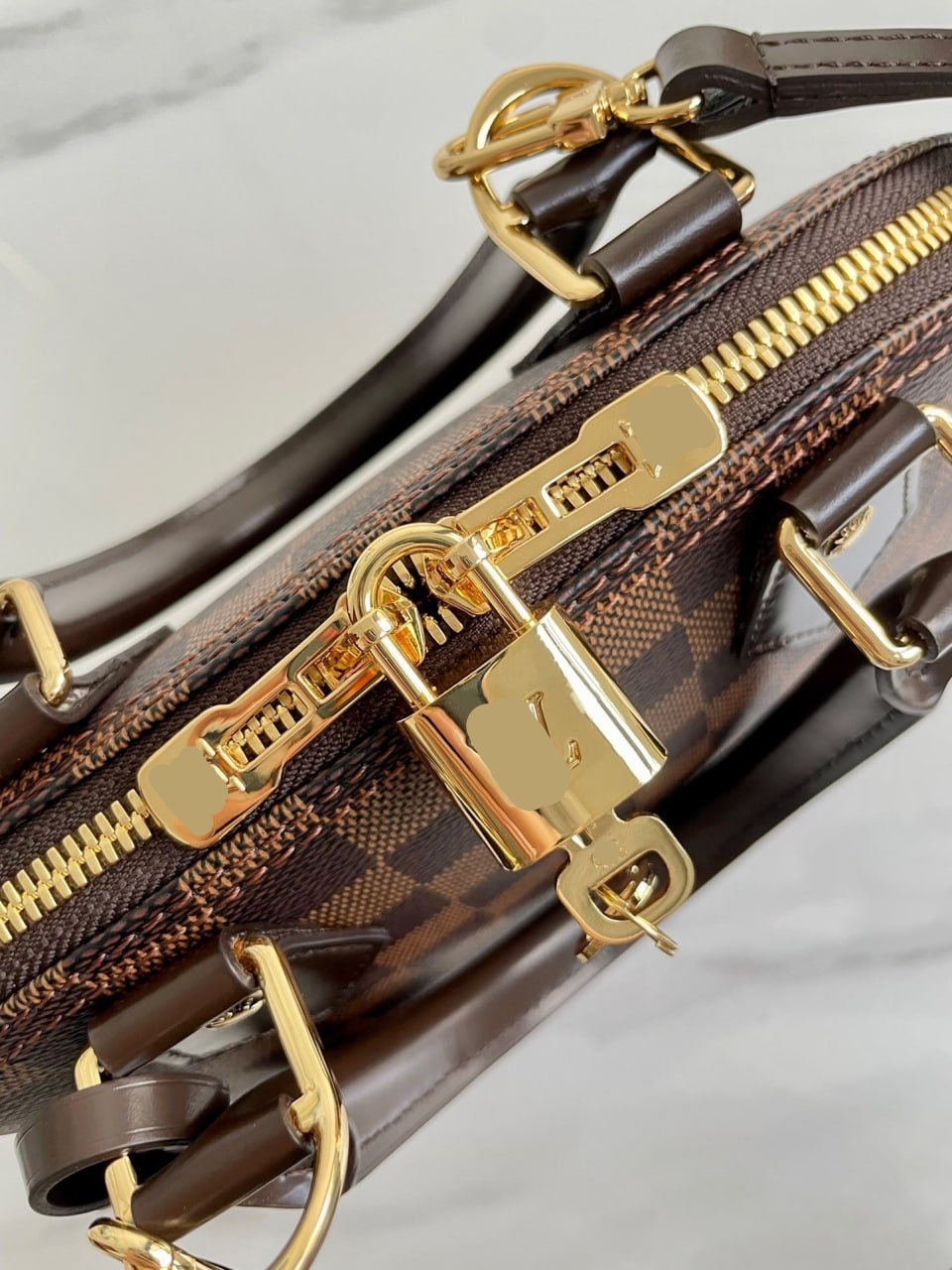
Start with the product family, color, size label, model or version, quantity and included parts. Compare these with the exact option text, not just the seller's main thumbnail. Listings often use a representative picture for several variations. A bag photographed with a strap or an accessory does not establish that every option includes it. Preserve the selected option's description so you can identify whether a missing part was actually promised.
Use one line for each finding: expected, visible and unresolved. For example, expected two pieces, visible one piece, unresolved whether the second piece is outside the frame. That wording identifies the next useful check without prematurely asserting that the warehouse or seller lost something. If the photo clearly shows the wrong printed size relative to the order, save the relevant image and describe the mismatch directly rather than adding unrelated judgments about overall quality.
Inspect visible condition without overclaiming
Look for visible tears, stains, broken components, uneven alignment and obvious damage to the item or required accessories. View the full image first so you retain context, then enlarge the area of concern. A dark patch may be a shadow or a surface mark; compression can make stitching look less clear than it is. Record the observation and request a closer view where the image cannot distinguish between plausible explanations.
Joyagoo's published QC scope describes visual checks with limits. Treat a photograph as evidence of what it visibly shows, not as a certificate of authenticity, durability or internal performance. A clean exterior on an electronic item does not demonstrate that it powers on. A straight-looking seam does not establish long-term strength. If a hidden characteristic matters to your purchase, identify what evidence or service would actually be needed rather than assuming the standard photo set covers it.
Ask for extra photos that answer one decision
A useful extra-photo request names the item, area, angle and purpose. For a label: please take one close-up with the whole size and composition label readable. For a suspected mark: please photograph the left sleeve in even light, then provide a close-up of the marked area. For an accessory: please show all included pieces together beside the main item. These requests are more actionable than more photos please because the missing information is explicit.
Prioritize requests that could change your decision. If you would keep the item regardless of a decorative detail, it may be less urgent than checking the required size or a possible broken fastener. Confirm current availability and any charge before requesting optional work. Avoid asking for several near-identical angles simply to make the photo set look complete. The aim is to close a specific evidence gap while leaving enough time to act on the answer.
Use measurements to resolve fit uncertainty
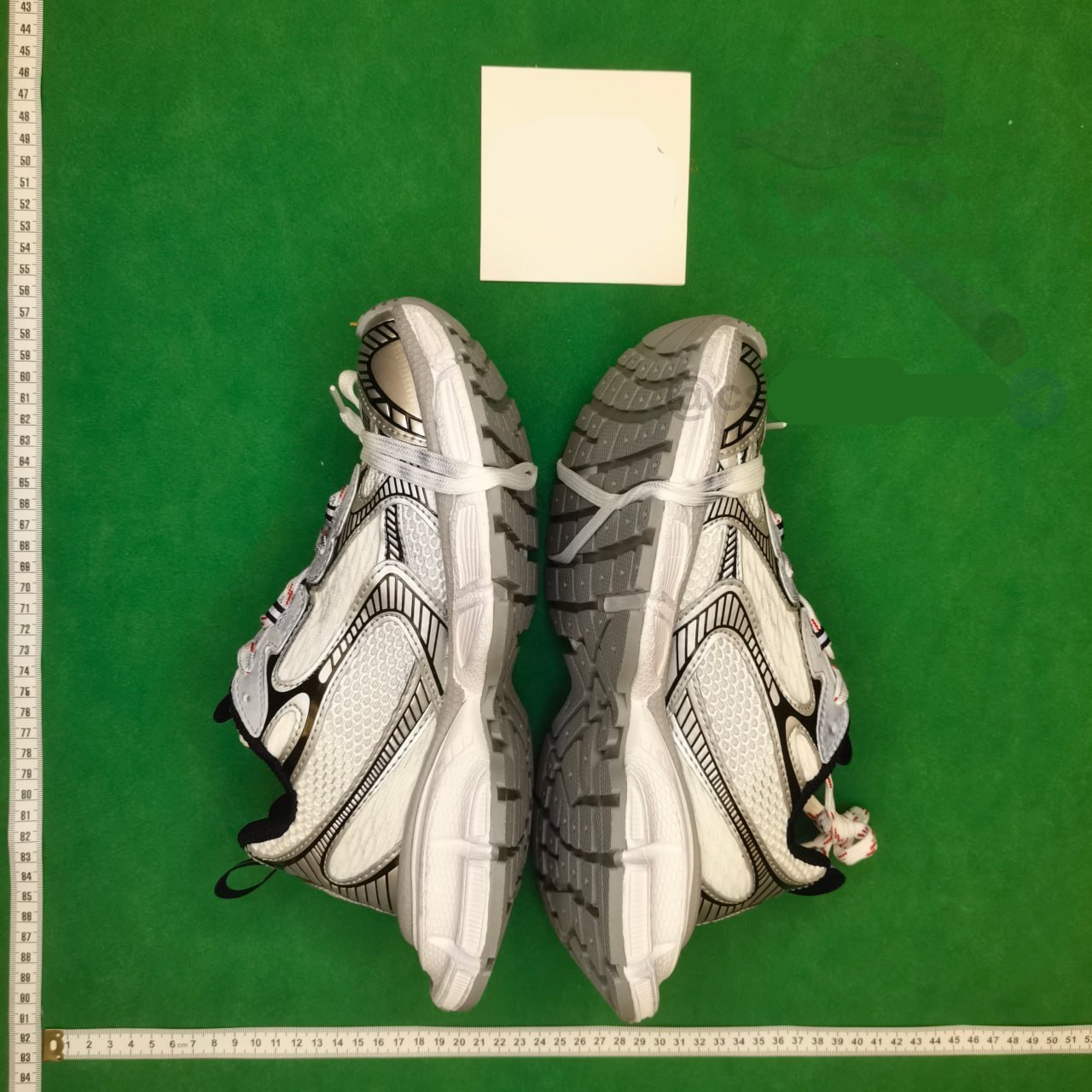
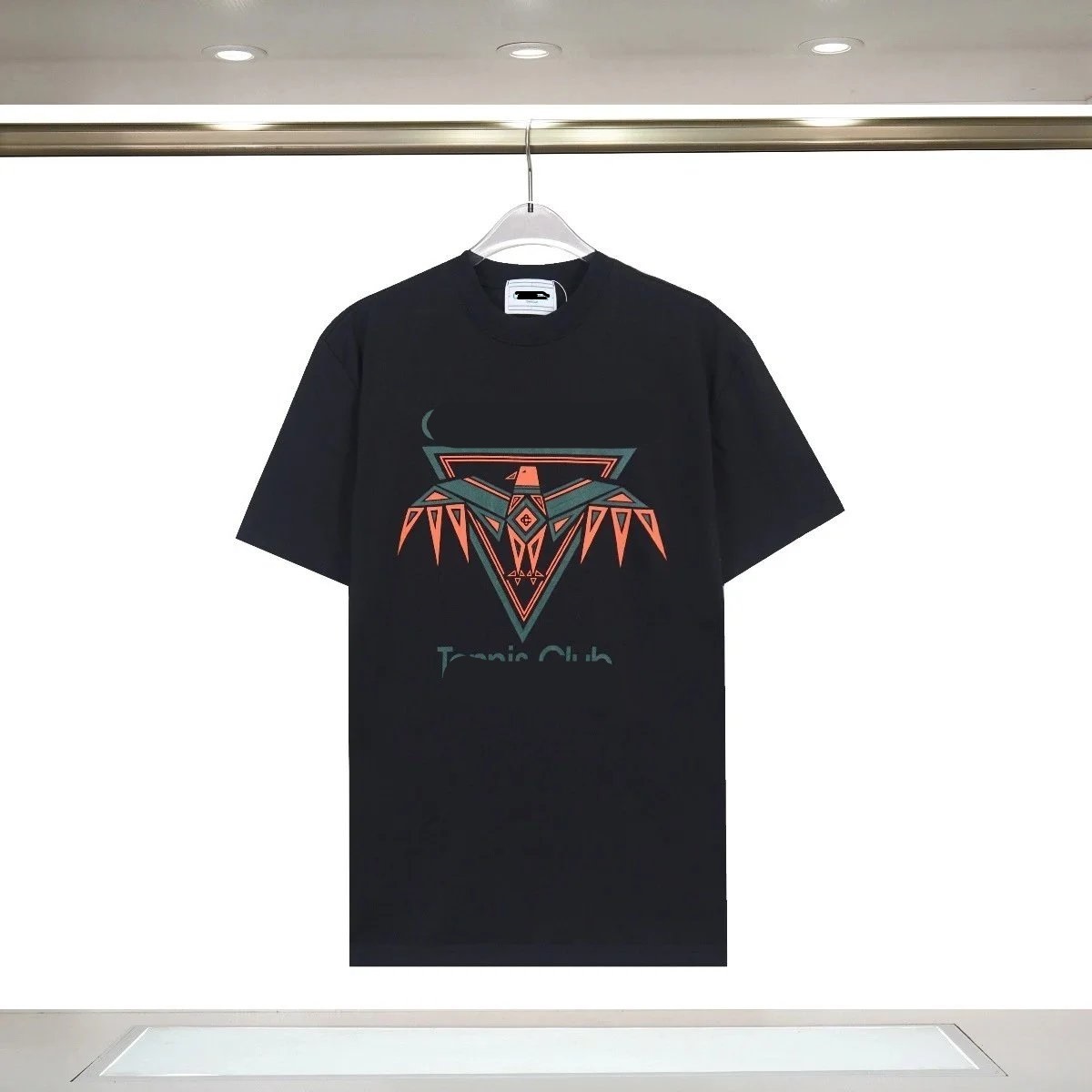
A visible M or L label confirms a printed label, not the dimensions of the garment. If chest width or length is decisive, request a photo with a tape placed along a defined path. Name the starting and ending points, require a flat unstretched item and ask for both tape ends to remain visible. Compare the result with the seller chart and a reference garment measured in the same way. Otherwise two apparently precise numbers may describe different things.
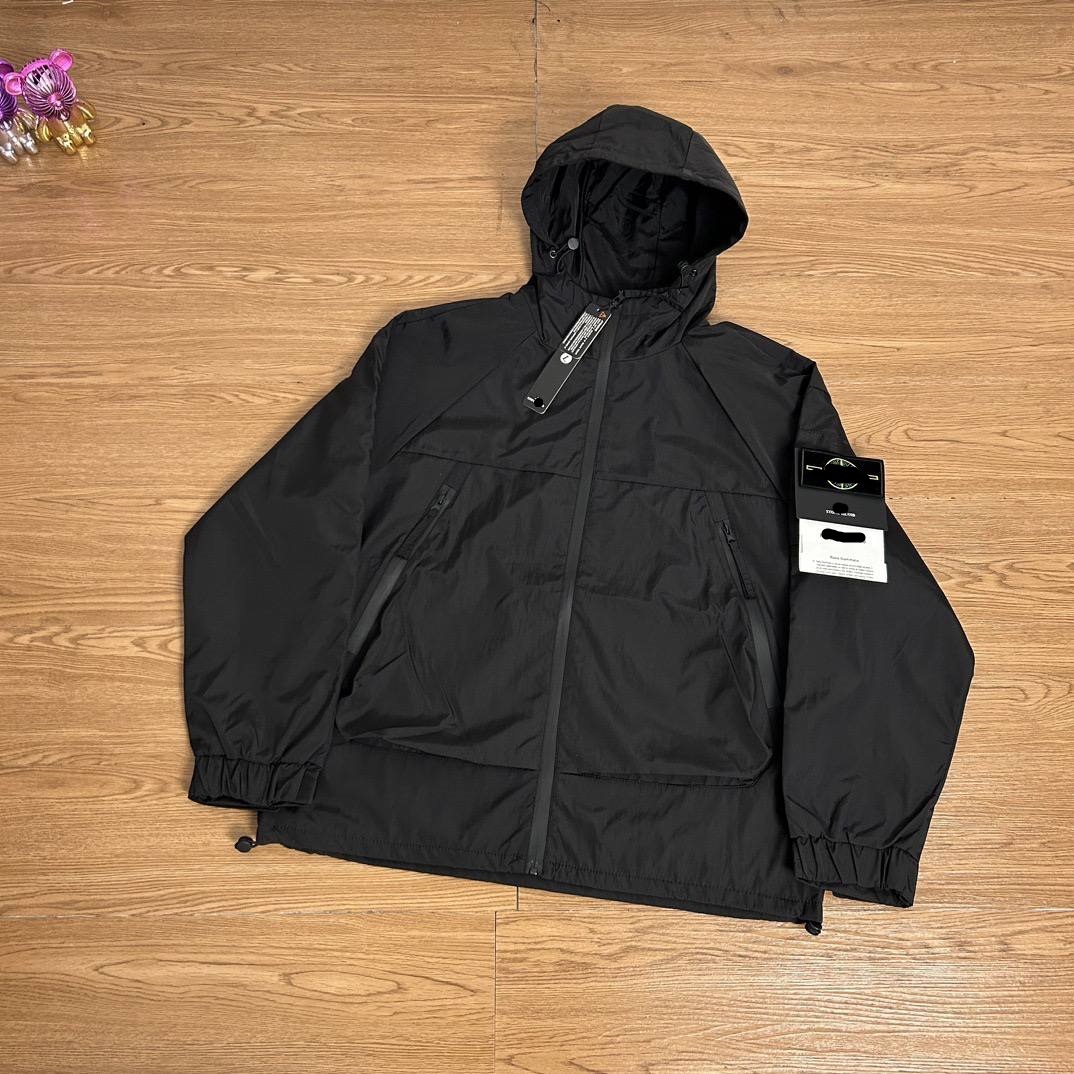
Suppose an illustrative jacket listing gives a chest width of 60 cm, but a warehouse image seems to show 57 cm. First check whether the garment is flat, whether the tape begins at zero and whether both measurements use underarm-to-underarm width. If those conditions agree, preserve the difference and ask for clarification. If the image is angled or partly folded, request a clearer measurement before treating the apparent difference as a confirmed sizing error.
Separate color uncertainty from a visible variant mismatch
Seller lighting, warehouse lighting, camera processing and your screen can all affect perceived color. Comparing two images is useful for spotting a major inconsistency, but it does not create a calibrated color measurement. A black item where blue was ordered deserves an option check; a slightly warmer shade under different light calls for a more careful description. Ask for a neutral, well-lit view and check any visible option label before reaching a conclusion.
The same discipline helps with shape and proportions. A wide-angle photograph taken close to a shoe can exaggerate one end. Request a view from a consistent distance or a side-on angle if shape is important. Explain the comparison you need to make. Do not describe every photographic difference as a product defect, and do not dismiss a clearly documented wrong option merely because photography can introduce uncertainty.
Turn the review into a timely, documented decision
Keep a short decision record: item and option, evidence checked, confirmed issue or remaining question, next action and the deadline shown for that order. Review the available return or exchange terms in the live account. This article does not establish a universal deadline or eligibility rule. If a potential issue needs further evidence, request it promptly and ask how the unresolved request affects your available options rather than assuming the clock pauses automatically.
When contacting support, send the saved order detail and the smallest photo set that demonstrates the problem. State the action you are requesting and keep the language factual. If the item matches and no material question remains, record the decision before moving to packing. If uncertainty remains, do not let a spreadsheet recommendation or another buyer's photos substitute for evidence about your own item. Your final choice should follow the unit you actually received.