Why a saved find needs a second commercial check
A spreadsheet row can identify a useful product and still be commercially stale by the time a buyer is ready to order. Sellers pause listings, remove variants, change quantity tiers and alter delivery terms without changing every visible part of the page. The earlier identity and option checks answer whether the link reaches the intended product and whether the required color, size, quantity and version exist. This recheck asks a different question: what is actually available and displayed for the exact selection at the moment the purchase instruction is about to be authorized?
Joyagoo’s current Shopping Guidance places the product payment before seller dispatch and says the product-stage amount includes the product plus China domestic shipping. That makes three fields decision-critical: current availability, selected-variant price and the domestic-freight entry. Record them separately. A single large total hides which input changed and makes a later mismatch harder to explain. The goal is a dated transaction snapshot, not a claim that a seller will preserve stock or price after the check.
Confirm availability at three levels
Begin with page availability: the final destination must load the intended product rather than a dead page, unrelated redirect or generic search result. Then check option availability: the exact color, size, version and pack count must remain selectable together. Finally check purchase availability: the page must permit the intended quantity under any visible minimum-order or regional condition. Passing only the first level is not enough. A live page can contain a sold-out variant, and a visible variant can still fail a quantity rule.
Write one of four results—available for the recorded selection, partially available, unavailable, or not observable. Use partially available when the product remains but a required option or quantity is missing. Use not observable when login, a seller prompt or a technical error prevents a reliable check. Do not turn uncertainty into ‘in stock.’ Record the time, destination and exact combination checked, because another option on the same page may have a different result.
Read the price only after selecting the complete variant
Many marketplace pages show the lowest number before a buyer selects all options. That number can belong to another color, size, version, bundle or quantity tier. Select the complete intended combination and watch whether the displayed product price changes. Save the option labels beside the number and currency. If selecting one option resets another, repeat the complete combination before recording anything. A price without its variant is not decision-ready evidence.
Separate seller price from any converted display used for browsing. Currency conversion, payment handling and account settlement belong to other stages and should not be guessed from a directory card. For this record, preserve the source amount shown for the exact option and the amount shown in the final Joyagoo order summary. If they differ, pause and identify whether the source changed, a quantity rule applied or the order summary contains another selection. Do not average the two numbers or silently prefer the cheaper one.
Capture China domestic freight as its own field
Domestic freight moves the seller’s parcel to the warehouse; it is not international shipping. Joyagoo’s published fee explanation says the shopping-agent service is free while the product and domestic shipping remain payable at the product stage. On the source listing, look for a delivery field, seller-to-warehouse charge, free-shipping statement or a value calculated only after a warehouse region is known. Save the wording exactly and mark what destination or condition was active.
Use ‘not displayed’ when the page provides no observable amount, not zero. A blank field, crossed-out reference or generic free-delivery banner may have conditions that the current page does not expose. Compare the source field with the Joyagoo order summary before payment. If the platform calculates a different China-side amount, keep both screenshots and request clarification when the difference matters. The recheck does not publish a universal domestic-freight number; it preserves the value attached to one order at one time.
Build a two-snapshot audit trail
Snapshot A comes from the source listing after the exact variant and quantity are selected. It should show destination URL, product identifier where visible, option labels, availability result, source price, domestic-freight field and check time. Snapshot B comes from the final Joyagoo order summary and should show the corresponding product, option, quantity and product-stage amounts. Name the files or notes consistently so another person can compare them without reopening a dozen tabs.
A screenshot is evidence of what the interface displayed; it is not a stock hold, seller promise or proof that the item will match warehouse QC. Keep the source URL as text as well, because an image alone cannot reveal the final destination. When a page changes between snapshots, do not overwrite Snapshot A. Add a new record with a later time and explain the changed field. Preserving the sequence is more useful than presenting the newest number as though no change occurred.
Use stop, refresh and proceed rules
Stop when the page changes product, the required combination cannot be selected, the intended quantity violates a visible rule, or the order summary describes another variant. Refresh the record when the listing still matches but the price or domestic-freight field changes. Proceed when identity, complete option, quantity and both product-stage amount fields agree closely enough for the buyer’s stated decision. These outcomes make the check operational instead of merely descriptive.
Set a freshness rule proportional to volatility. A product checked days ago deserves another look immediately before payment; a listing with a previous redirect or rapidly changing options deserves an even shorter interval. Never update the ‘checked’ date without reopening the final destination and selecting the actual combination. If the buyer delays authorization, repeat the commercial fields rather than relying on the discovery date. Freshness means a performed check, not a label attached by the spreadsheet.
Work through a realistic change record
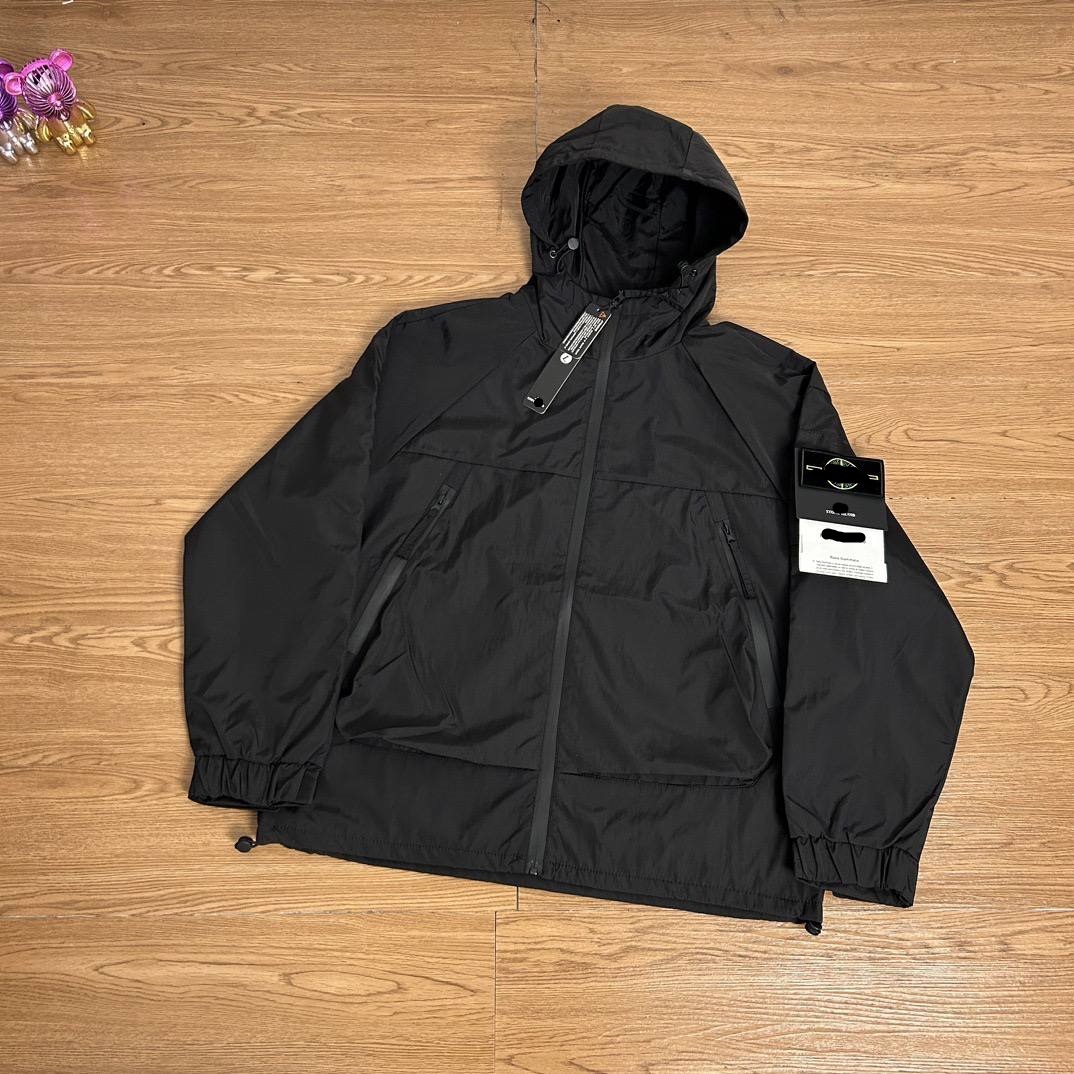
Suppose a saved hoodie row originally showed the intended grey option and a reference number of 129 source-currency units. At the payment check, the page still matches the product but the grey/XL selection displays 149, while the domestic-freight field is newly shown as a separate amount. The correct result is not ‘the spreadsheet was wrong.’ The row was a dated discovery record; the live combination now has a different commercial state. Update the shortlist and decide whether the new product-stage total remains acceptable.
Now suppose the Joyagoo summary displays the same image but labels the option black/L. That is a stop, even if its price is lower. Correcting the option is more important than reconciling the price. After the option is fixed, compare the source and summary fields again. This sequence keeps identity, options and commercial terms in the right order. It also prevents a visually familiar thumbnail from masking an incorrect transaction instruction.
Close the record without overclaiming
Before authorizing payment, confirm the final destination, selected option labels, intended quantity, page-availability result, selected-variant price, domestic-freight field, currency, check time and matching Joyagoo summary. Mark any seller statement separately from what the interface directly showed. If a decisive amount is missing or contradictory, leave the candidate on hold rather than inventing a zero or calling the older snapshot current.
The conclusion should be narrow: on the recorded date and time, the source listing and order summary displayed a particular purchasable combination and particular product-stage fields. It does not prove future stock, quality, authenticity, seller speed, warehouse outcome or international route eligibility. That restraint is useful. It gives an international buyer a reproducible reason to proceed, refresh or stop while keeping a Joyagoo spreadsheet focused on product-link verification rather than unsupported guarantees.
Check the total for your selected quantity
Compare the order at the quantity you actually intend to buy. In this illustrative example, listing A shows 90 CNY for one item and 12 CNY domestic freight; listing B shows 96 CNY with 5 CNY domestic freight. The first-stage totals are 102 and 101 CNY respectively, before any other applicable charges. The lower headline price is therefore not the lower subtotal. Do not assume either domestic charge remains unchanged when you add another unit or another seller.
Save the chosen option, quantity, currency, item subtotal, domestic freight and the check time together. If the cart total differs, isolate the changed field before paying: option price, quantity tier, shipping, discount or another listed charge. Leave international delivery as a separate budget line. A blank domestic-freight field means unresolved, not automatically free.