Define the garment and intended use
Separate hoodies, lightweight jackets, insulated outerwear and layered pieces before comparing links. Similar thumbnails can hide different construction, weight and season. Record the buyer’s intended climate, fit and layering needs in neutral terms. This keeps the spreadsheet from treating every zip garment as interchangeable and gives each candidate a clear reason to remain.
Describe visible design and seller-provided material information without making unsupported performance claims. A listing image cannot prove warmth, water resistance or fabric quality. If a property matters, look for a specific seller statement and plan how much warehouse evidence could reasonably confirm. Some performance questions will remain unresolved until use.
Keep the evidence fields separate while you work: source URL, final destination, visible product identity, exact option, displayed price, domestic freight and check time. A blank field is an open question, not permission to copy a value from a similar listing. This record makes a later recheck faster and prevents a spreadsheet snapshot from being mistaken for a current seller promise.
Use garment measurements as the sizing base
Save chest width, length, shoulder, sleeve and any other seller measurement that affects the choice. Mark whether values describe the finished garment or a body recommendation. Letter sizes are not comparable across sellers, and an oversized label is not a measurement. Preserve units and the source chart rather than converting from memory.
Compare the target fit with a known garment measured the same way. If the chart omits a decisive dimension, ask before purchase or record a warehouse measurement request. Do not select a nearby size just because the image looks loose. Photography, model proportions and styling can distort fit more than a simple measurement table.
Use three result labels: matched, partial and mismatch. Matched means the destination and required option agree with the saved record. Partial means the product family is plausible but one decision field is missing. Mismatch means the page is dead, redirected to another item or no longer carries the intended choice. Only matched candidates should proceed without another question.
Verify material, lining and construction fields
Record only the composition, lining, fill and closure details that the live listing actually states. Translation can blur distinctions between fleece, brushed fabric, shell material and insulation, so keep the original wording beside your interpretation. If the page uses conflicting descriptions, label the material uncertain instead of choosing the most appealing claim.
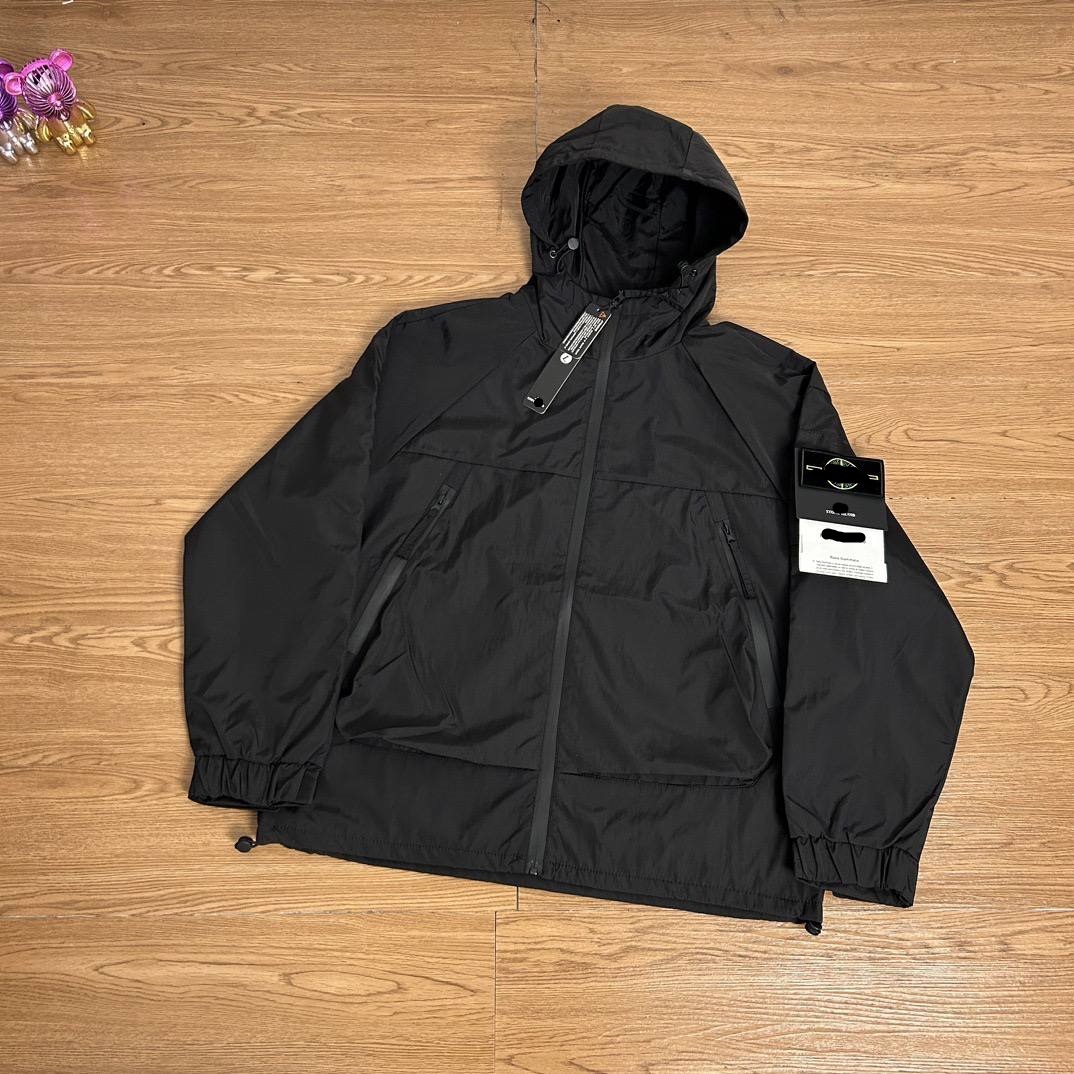
Check whether a detachable hood, liner, belt, badge or other component is included in the selected option. Detail photos may show accessories that belong only to another configuration. The spreadsheet should connect included parts to the chosen variant. This becomes the baseline for QC and prevents a complete-looking hero image from defining the order inaccurately.
Do not turn price, sales activity, a familiar image or inclusion in an index into a quality claim. Those signals can help prioritize inspection, but they do not prove construction, authenticity, seller service or the condition of the unit that reaches the warehouse. The useful comparison is evidence quality and order readiness, not an unsupported best-product ranking.
Match colors and editions precisely
Outerwear listings often group several colors, seasonal editions or construction revisions. Compare option text, thumbnail and distinguishing details such as pocket layout, zipper, cuff and lining. Save an image linked to the intended selection. If the seller replaces an edition under the same page, the item may require a new record even though the URL survives.
Use partial status when the product family matches but the exact edition cannot be confirmed. Do not fill the gap with a historical spreadsheet image. A buyer needs to know whether the order instruction is reproducible now. A clean mismatch label is more helpful than a verified badge attached to outdated evidence.
Before payment, save the live page and the option text that the ordering flow accepts. If the source cannot be parsed and a manual order is needed, treat every typed field as buyer-supplied. Compare the resulting order summary against the saved record before money moves. A near match is still the wrong instruction when size, color, model or quantity differs.
Compare candidates on decision readiness
Once measurements and options are normalized, compare price, domestic freight, material evidence, included parts and open questions. Do not declare one jacket best from photographs. Instead, identify which listing has the clearest support for the buyer’s requirement and which needs another answer. This approach improves selection without inventing a quality ranking.
Keep seasonal urgency out of the evidence score. A buyer may choose a sufficiently documented candidate sooner, but the listing should not gain credibility because a deadline is close. If timing matters, record it as a buyer constraint and confirm current seller dispatch through the active order process rather than promising delivery from an old observation.
Write one explicit stop condition for every shortlist. Examples include a missing measurement, an unexplained redirect, a price attached to the wrong quantity tier, an unavailable color or a product identifier that cannot be reconciled. Stopping is a valid research result. It is cheaper than relying on warehouse photos to solve an uncertainty that existed before purchase.
Plan outerwear QC before purchase
Prioritize identity, size label, selected color, major construction, visible damage, closures and included detachable parts. If one measurement determines fit, specify it in advance. Standard photos can show overall condition, but they cannot prove warmth or long-term performance. Write the checklist around observable decisions the warehouse evidence can support.
Review dark fabrics and reflective or textured materials with awareness of lighting, while still checking obvious color or edition mismatches. Ask for targeted evidence when a missing detail changes the keep-or-return decision. Broad requests for many extra photos can delay review without resolving the central uncertainty.
At warehouse arrival, use the saved listing as the reference for QC rather than relying on memory. First confirm identity and option, then inspect condition and the details that matter for use. Request an additional photo or measurement only when it can change the keep-or-return decision, and review the active account promptly because seller eligibility and return timing still apply.
Keep category links useful over time
A category article should explain how to choose and verify, while the live hoodie or jacket category carries the commercial inventory. Link to both routes where relevant and avoid embedding claims that require constant rewriting. Each featured destination still needs a current identity and option check before it is presented as a find.
Monitor outbound clicks by category and product. If readers click the category but ignore individual cards, improve the card label and evidence note. If a product gets clicks but repeatedly changes options, shorten its review cycle or remove it. This connects SEO performance with destination quality instead of optimizing titles in isolation.
Maintain the page as a dated research route. Reopen high-use links first, follow redirects, compare identity and option structure, and update a checked date only after a real review. If a link changes, label or remove it instead of silently replacing the destination while preserving the old image or product ID. Transparent maintenance is more valuable than a larger but ambiguous list.