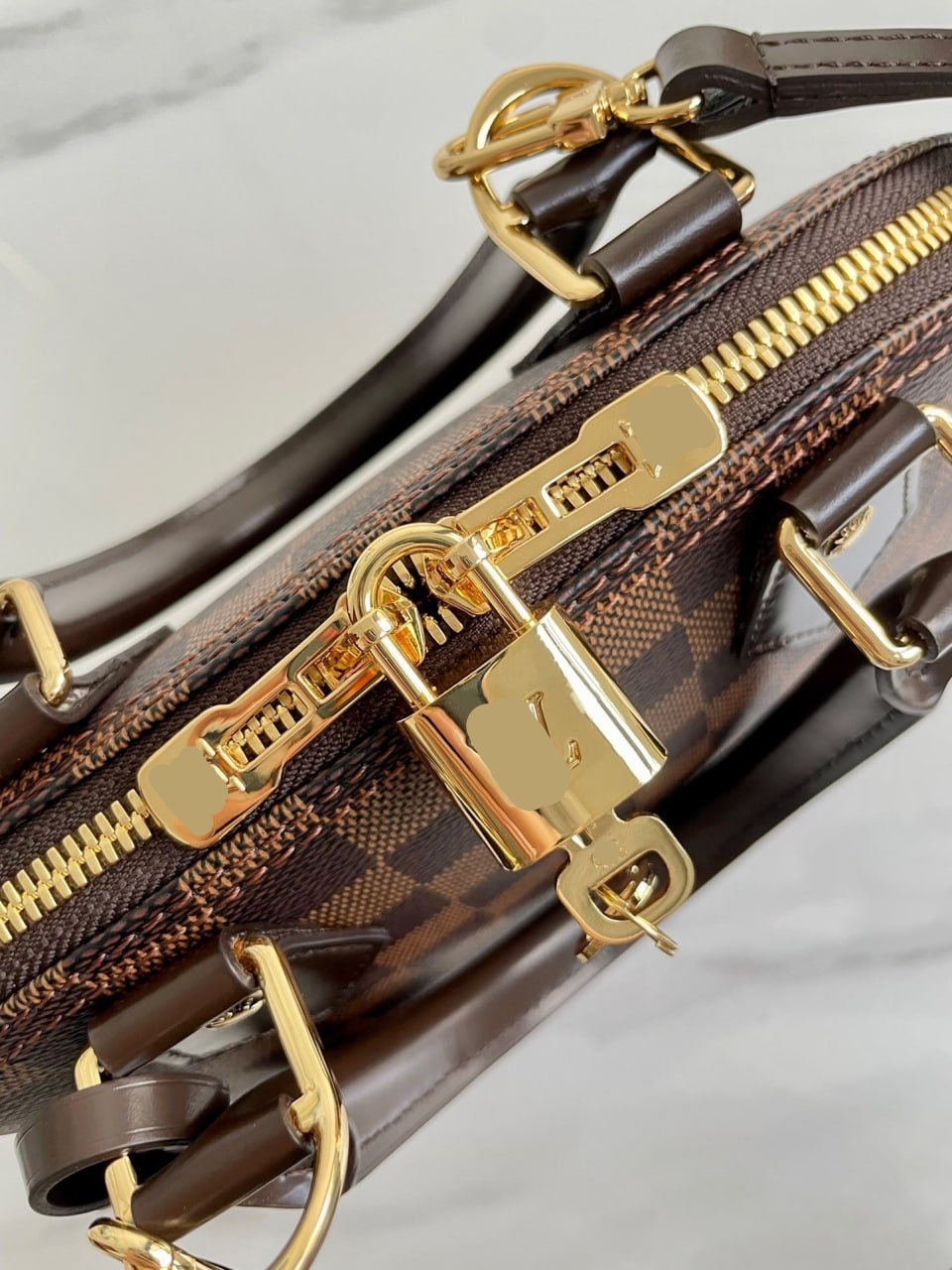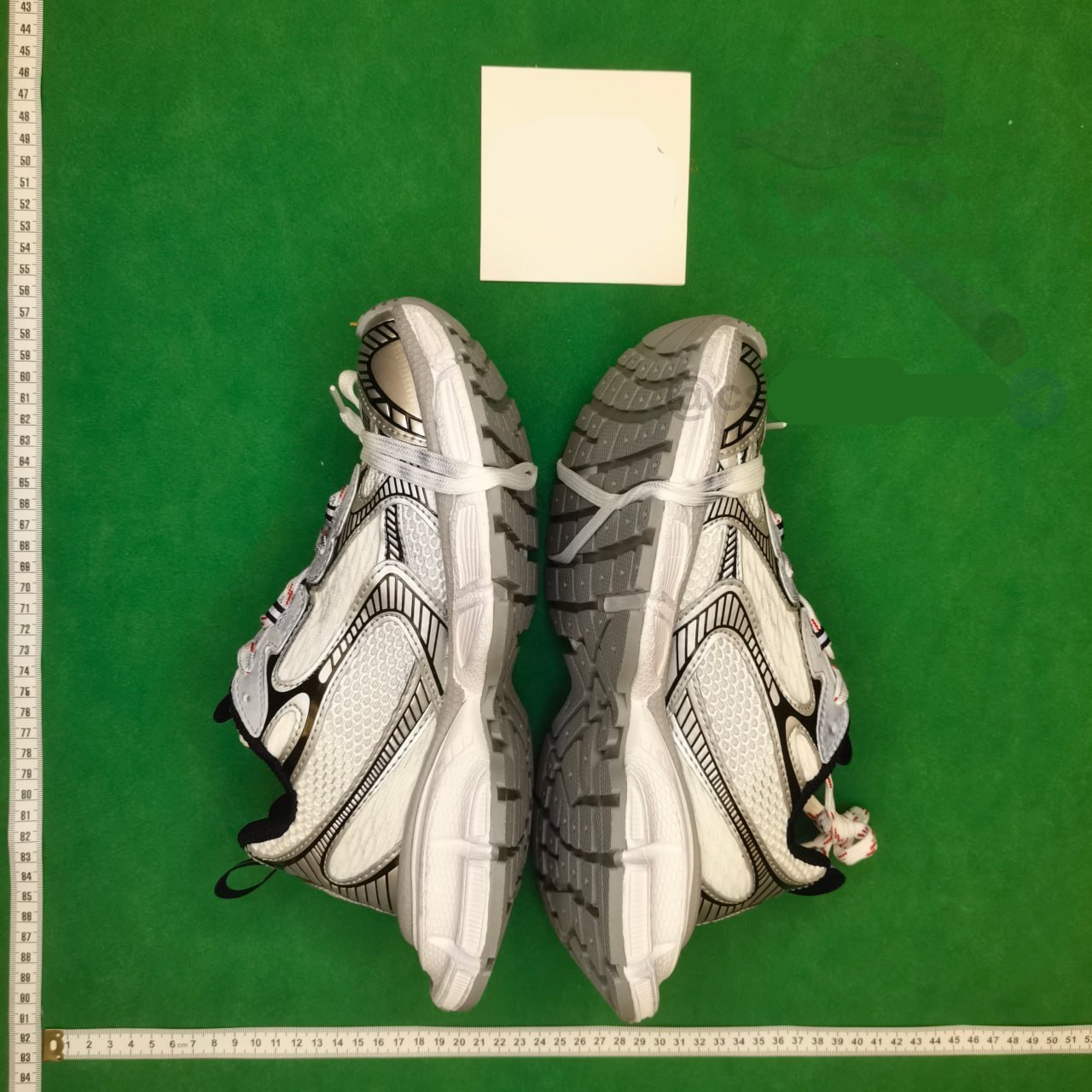
Define the shoe before searching
Begin with use, silhouette, material, preferred color family and the measurements that matter. A broad query such as shoes produces visually similar candidates that may differ in model, sole, closure or intended use. A spreadsheet row should name the product type and decision fields clearly enough that another buyer can understand why the link was shortlisted.
Avoid using a famous style name as proof of identity or authenticity. Describe observable features and preserve the seller’s current title and item ID. The goal is to reach the correct listing and option, not to make a brand judgment the index cannot support. Category pages are starting points; each final destination needs its own evidence record.
Keep the evidence fields separate while you work: source URL, final destination, visible product identity, exact option, displayed price, domestic freight and check time. A blank field is an open question, not permission to copy a value from a similar listing. This record makes a later recheck faster and prevents a spreadsheet snapshot from being mistaken for a current seller promise.
Normalize sizing evidence
Record the sizing system shown by the seller and the measurement it represents. EU, US, UK and China labels can map differently, and some charts use foot length while others show insole or recommended fit. Keep the original chart image and units. Do not convert automatically unless the source provides a clear relationship.
Ask the buyer for a measured foot length and any fit constraint before comparing candidates. Then mark which listing measurement supports the choice. If the intended size is missing or the chart conflicts with an option label, stop. A familiar number is not enough evidence when the seller’s own table points elsewhere.
Use three result labels: matched, partial and mismatch. Matched means the destination and required option agree with the saved record. Partial means the product family is plausible but one decision field is missing. Mismatch means the page is dead, redirected to another item or no longer carries the intended choice. Only matched candidates should proceed without another question.
Match model and colorway across images
Compare the first image, option thumbnail, side profile, sole and major construction details. Sellers may place several colorways or related models under one page, and the hero image may not equal the selected variant. Record the exact option text and a representative image that belongs to it.
Treat lighting differences carefully but do not dismiss structural changes. A different panel layout, sole shape, closure or material description indicates a different candidate. If the link redirects to a similar shoe, create a new record. Keeping the old title or thumbnail would make the spreadsheet look current while sending the buyer to another model.
Do not turn price, sales activity, a familiar image or inclusion in an index into a quality claim. Those signals can help prioritize inspection, but they do not prove construction, authenticity, seller service or the condition of the unit that reaches the warehouse. The useful comparison is evidence quality and order readiness, not an unsupported best-product ranking.
Record box, accessories and packaging choices
Determine whether the seller listing visibly includes a retail box, spare parts, tags or other accessories. Do not infer them from promotional photography. Note what matters to the buyer and whether removing packaging later would change protection or parcel volume. Product discovery should preserve the choice without pretending that international shipping is already known.
For a buyer who values the box, include its expected condition in the QC plan. For a buyer prioritizing compact shipping, postpone the removal decision until warehouse evidence and route options are visible. The listing can establish what the seller offers; the parcel stage controls final packing and chargeable weight.
Before payment, save the live page and the option text that the ordering flow accepts. If the source cannot be parsed and a manual order is needed, treat every typed field as buyer-supplied. Compare the resulting order summary against the saved record before money moves. A near match is still the wrong instruction when size, color, model or quantity differs.
Compare price only after selecting size and color
Choose the intended size, colorway and quantity before saving the displayed price. Some options can carry different amounts, and headline pricing may represent an accessory or the cheapest variant. Record domestic freight separately. A shortlist comparison is useful only when candidates describe the same purchasing unit.
Do not rank shoes solely by the lowest sticker price. Compare evidence completeness: sizing data, option clarity, included-parts information and seller terms. A cheaper listing with an ambiguous size can create a more expensive return decision. Label the comparison as order readiness rather than quality or value, which cannot be established from a spreadsheet.
Write one explicit stop condition for every shortlist. Examples include a missing measurement, an unexplained redirect, a price attached to the wrong quantity tier, an unavailable color or a product identifier that cannot be reconciled. Stopping is a valid research result. It is cheaper than relying on warehouse photos to solve an uncertainty that existed before purchase.
Design a shoe-specific QC checklist
The saved record should tell the warehouse review what to confirm: pair and size, selected colorway, visible condition, sole and upper alignment, major accessories and one critical measurement if needed. Standard photos may not prove fit, so request a measurement only when the buyer has a clear threshold and the evidence can change the decision.
Compare both shoes where visible and look for obvious left-right inconsistencies. Separate cosmetic expectations from identity errors. A tiny lighting variation is different from the wrong size label or mismatched colorway. Clear pre-purchase criteria make the return decision faster and easier to document.
At warehouse arrival, use the saved listing as the reference for QC rather than relying on memory. First confirm identity and option, then inspect condition and the details that matter for use. Request an additional photo or measurement only when it can change the keep-or-return decision, and review the active account promptly because seller eligibility and return timing still apply.
Publish a useful shoes find
A strong row uses a precise neutral label, current product destination, category route, checked date and a note about sizing or option limits. It does not promise stock, authenticity, fit or shipping eligibility. Use the article to explain the verification method and send the commercial click to the current main-site product or shoes category page.
Review high-click shoe links more frequently because size availability can change while the listing remains active. Retire rows whose intended size or model disappears, and create new records for genuine replacements. Measure success through qualified category and product clicks, not by adding many near-duplicate links that compete for the same search intent.
Maintain the page as a dated research route. Reopen high-use links first, follow redirects, compare identity and option structure, and update a checked date only after a real review. If a link changes, label or remove it instead of silently replacing the destination while preserving the old image or product ID. Transparent maintenance is more valuable than a larger but ambiguous list.